Sinterit LISA X Short User Manual | 6
2. PREPARING TO PRINT
2.1 General information
WARNING!
• The Sinterit set of devices, including the Lisa X 3D Printer, is
not intended for use in an explosive atmosphere.
• The possibility of an explosive atmosphere is anticipated
inside the device.
• The device is not protected against the risk of explosion from
sources other than its own.
• Polyamide powder is ammable and can create an explosive
atmosphere together with air!
EX
ATTENTION!
While preparing the printer for use, it is necessary to read and acknowledge any messages on the
screen. Disregarding or skipping any crucial steps of the process can negatively impact the quality
of printouts or damage the printer.
IMPORTANT!
• While preparing the printer for use, ensure the Overow bin
has been emptied.
• While preparing the printer, always ensure the Laser Protective
Glass is installed and clean. Attempting to print without the
glass in place or while it is dirty will damage the printer!
IMPORTANT!
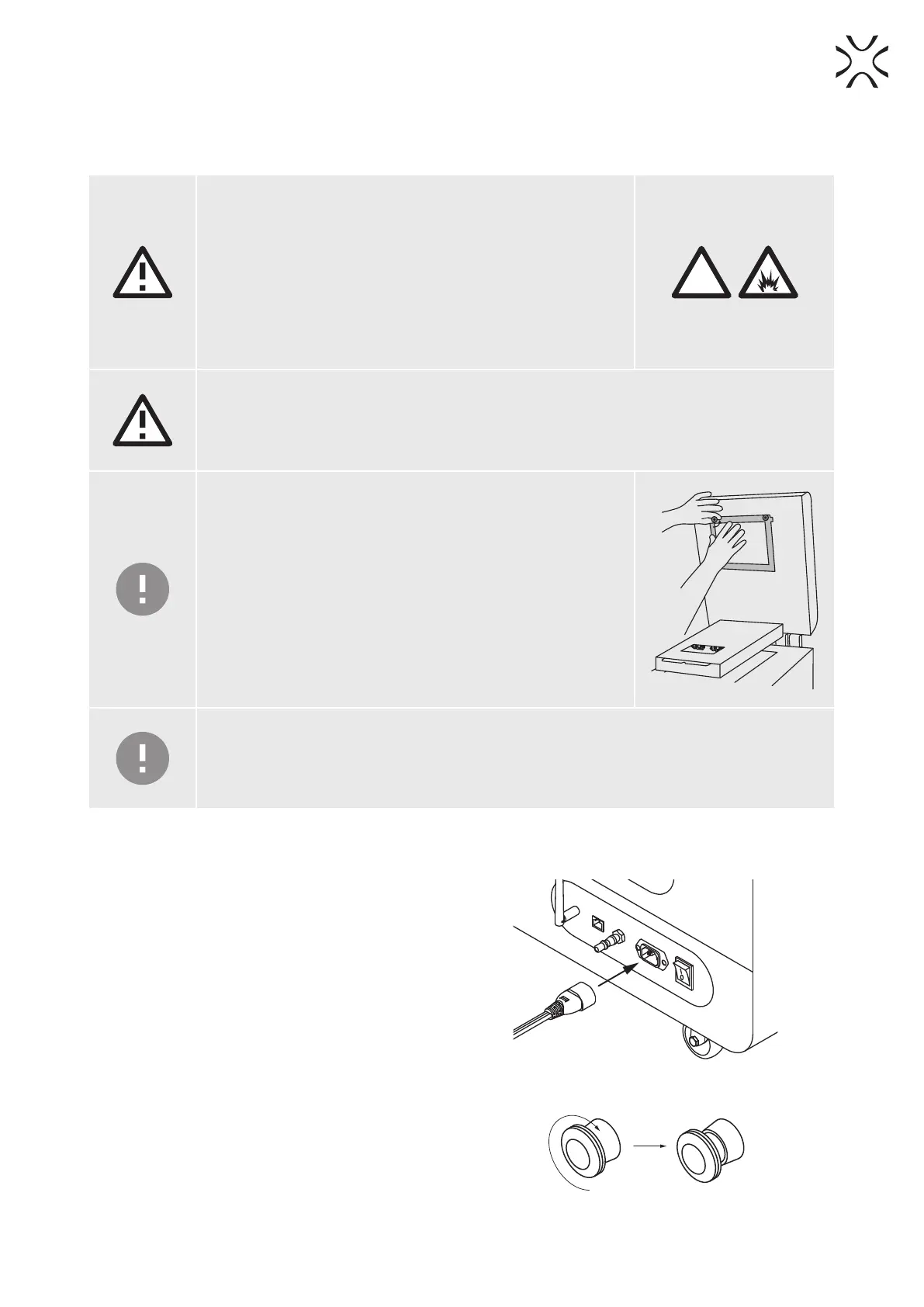
Check the tension of the Recoater Strip. If it is bent, it should be straightened out.
- Using a 2mm allen key, gently loosen the Recoater strip xing screws.
- Align the strip and tighten the screws back.
2.2 Starting the printer
1. Connect the printer to a power source (g. 2.1). Power
socket is located on the back of the printer.
2. Flip the power button on the back of the printer to the
I position.
Fig. 2.1 Connecting the power cord to the power socket.
3. Make sure that the E-STOP button is released. If not,
turn it clockwise as much as possible and release it.
(g. 2.2).
4. After a few seconds, the main menu should appear on
the printer screen.
Fig. 2.2 Releasing the E-STOP button.





 To Next Page