one pro
/
d) Utilities
As utilities you can:
• Backup Data
• Restore Data
• Erase all sales
• Erase ALL PROGRAM INFO
• Excel information EXPORT
• Excel information IMPORT
e) Additions parameters
As addional parameters you can:
• Group the receipt lines by item
• Prompt for covers number in any new receipt
• Prompt for user in any new receipt
• Compulsory tables
• Automatic item in any new receipt
• Show items stock in sales screen
• Print kitchen receipt if table is not assigned.
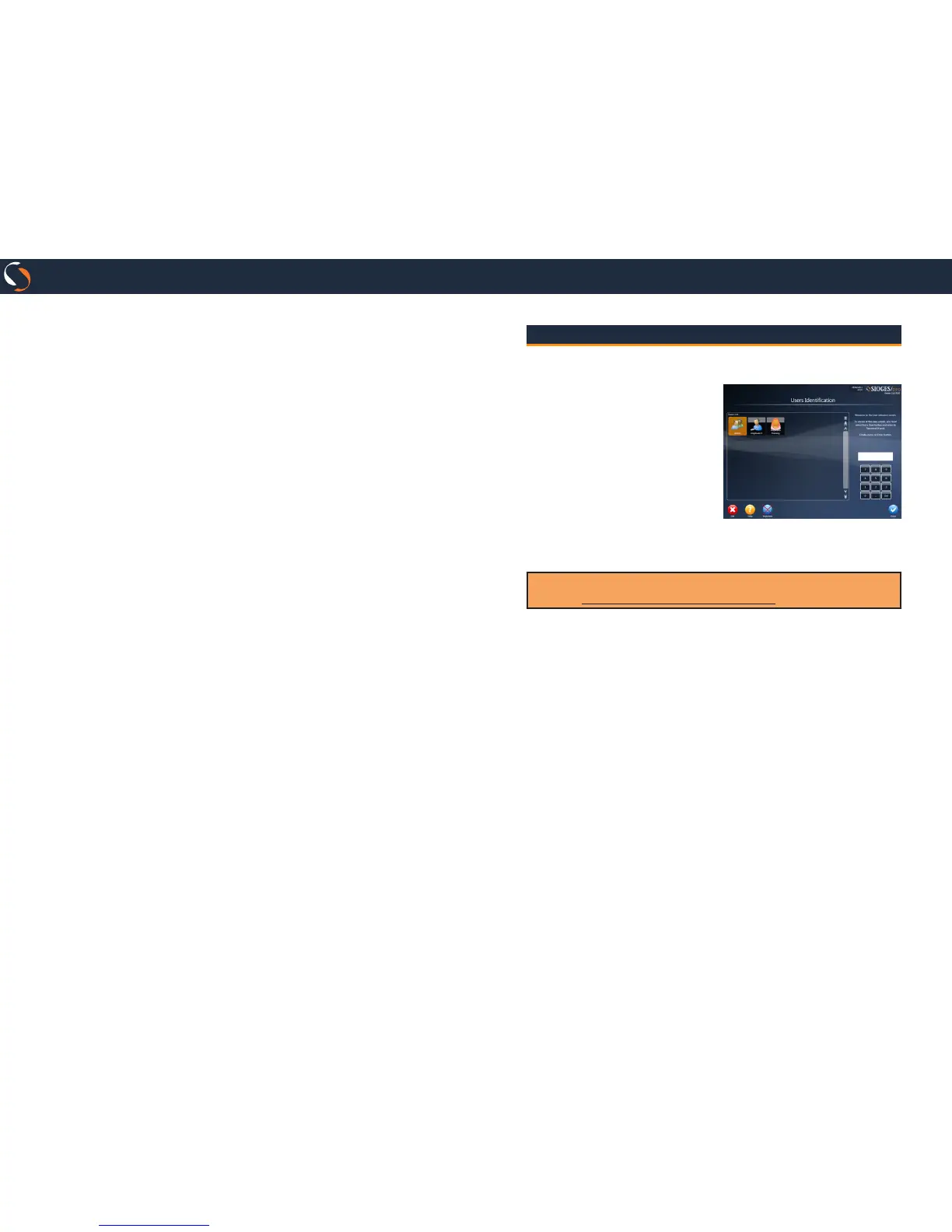
Login Screen
This screen will show you before entering the sale screen.
Select the user.
If the user does not have a
password, you will login auto-
matically.
If the user has a password, mark
it on the numeric keypad on
the screen and press the Enter
button to access the sale screen.
From this screen you can also
update your version ONE license to PRO version.
By default, the Admin user0s password is 5555.
Use the Change Admin User Password to change it.


 To Next Page