Lock
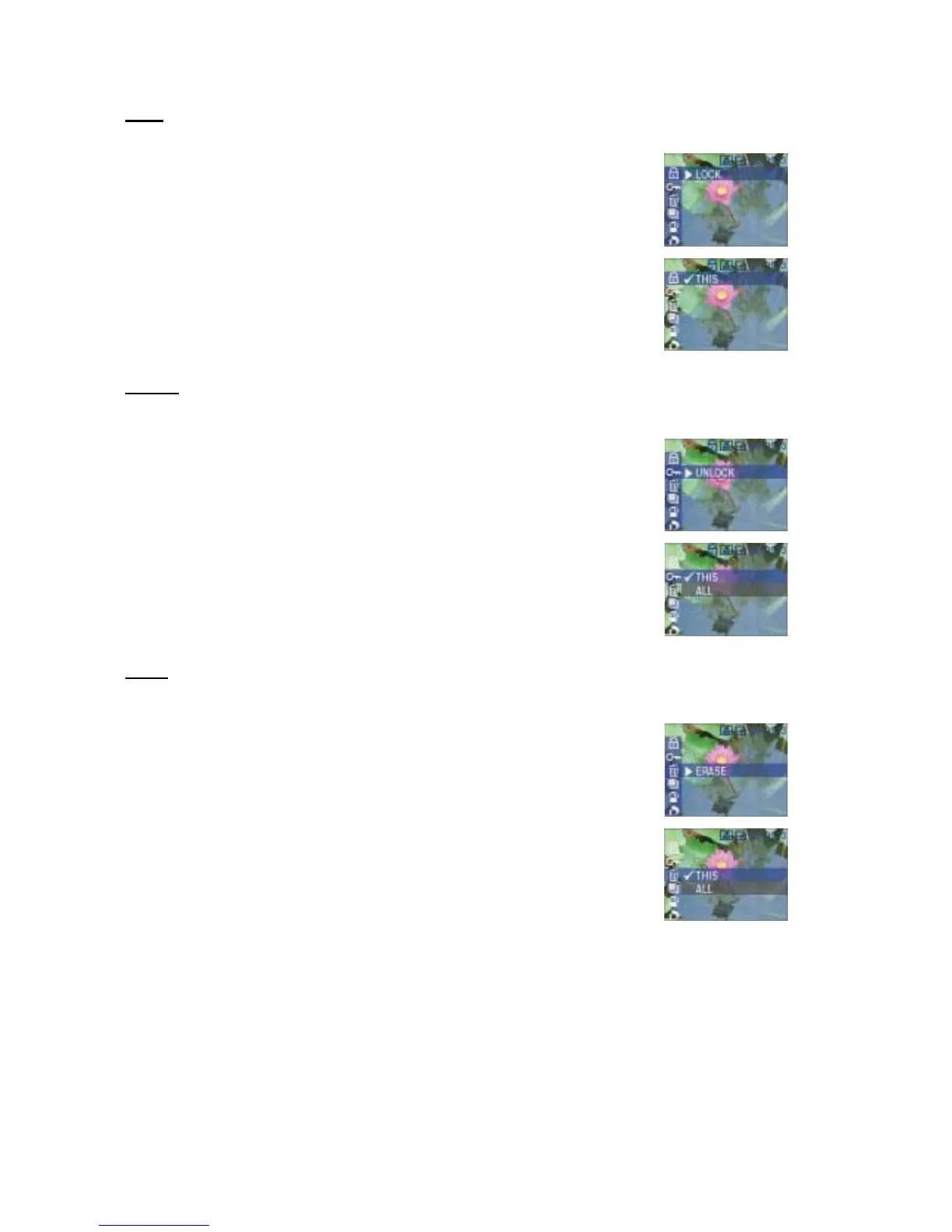
The selection allows you to protect an image from being erased.
After selecting an image to be protected, press the Menu button to open
the Review mode Main menu. Use the Navigator up/down buttons to
scroll to LOCK.
Press the Navigator right button to view the Lock submenu.
Scroll to THIS and press OK to lock the selected image.
Unlock
The selection allows you to unlock one image or all the images.
After selecting an image to be unlocked, press the Menu button to open
the Review mode Main menu. Use the Navigator up/down buttons to
scroll to UNLOCK.
Press the Navigator right button to view the Unlock submenu.
Scroll to THIS and press OK to unlock the selected image, or select ALL
to unlock all protected images.
Scroll to the desired option and press OK.
Erase
This selection allows you to erase the current picture or to erase all stored pictures
Press the Menu button to open the Review mode Main menu. Use the
Navigator up/down buttons to scroll to ERASE.
Press the Navigator right button to view the Erase submenu.
Scroll to THIS to erase the selected image, or choose ALL to erase all
images on the camera.
Scroll to the desired option and press OK.
35



 To Next Page