I
I
d
d
e
e
n
n
t
t
i
i
f
f
y
y
i
i
n
n
g
g
C
C
o
o
m
m
p
p
o
o
n
n
e
e
n
n
t
t
s
s
:
:
M
M
o
o
d
d
e
e
S
S
e
e
l
l
e
e
c
c
t
t
o
o
r
r
&
&
L
L
C
C
D
D
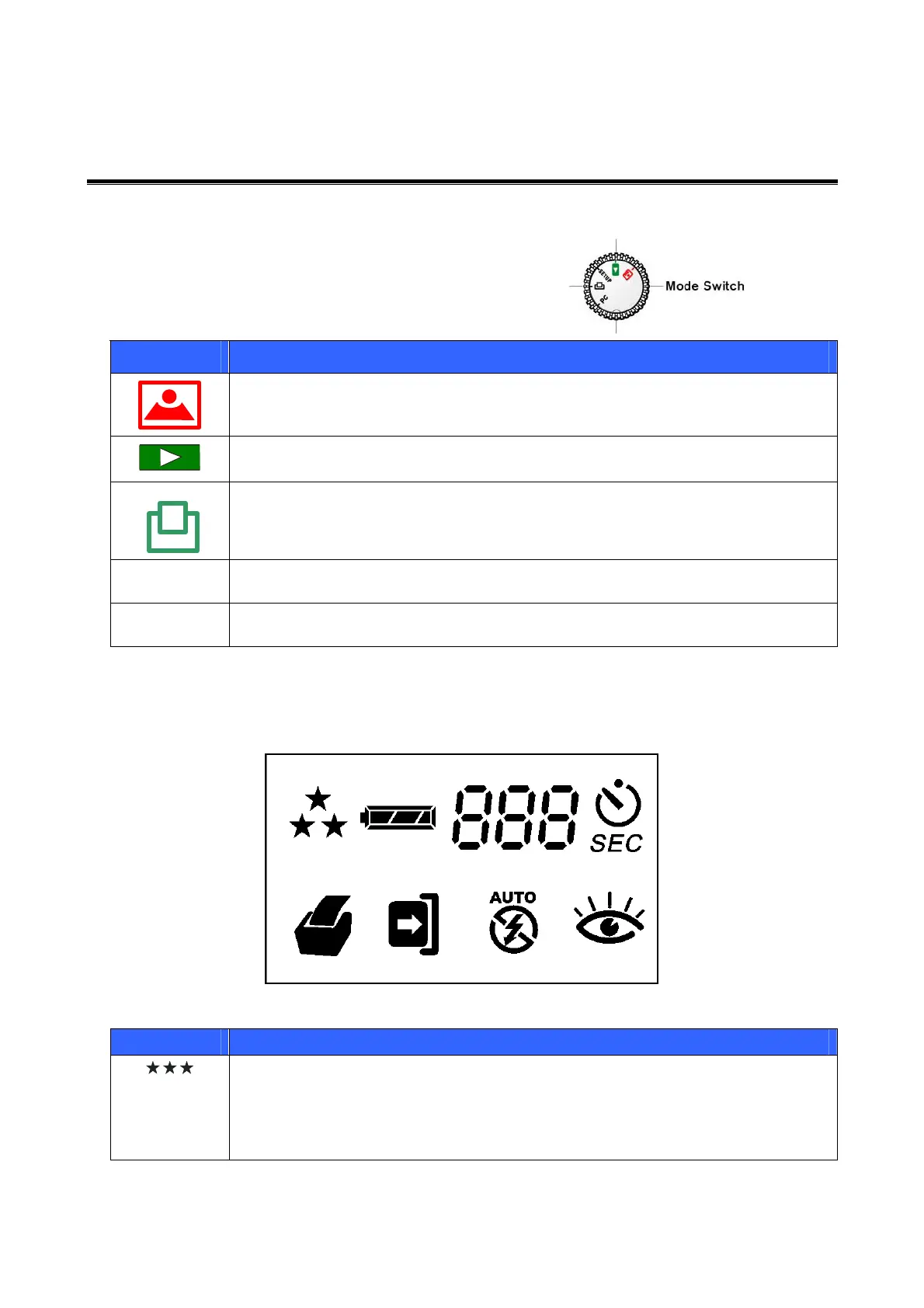
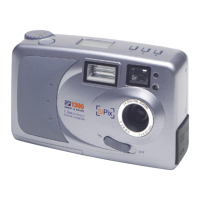
Mode Selector
There are five settings for the Mode
Switch. Refer to the following table:
Icon Description
Use the CAPTURE mode to take pictures.
Use the PLAYBACK mode to review pictures you have taken.
Use the PRINT mode to print directly to the SiPix PocketColor 100 or
PocketColor 200 printer.
SETUP
Use the SETUP mode to modify the camera configuration and options.
PC
Use the PC mode to download pictures to your computer or laptop.
LCD status display
The following illustration shows all LCD status icons available in the LCD status display:
Icon Meaning
Indicates the picture quality setting
• Three Stars: 1280 x 960 super-fine resolution, low compression. 10
pictures maximum. (For the included 8MB CompactFlash card)
• Two Stars: 1280 x 960 fine resolution, hi
h com
ression. 24
ictures
4


 To Next Page