Sirius Technologies, Inc.
418-B Cloverleaf Dr. Baldwin Park, CA 91706
•TEL:(626)934-0100 • FAX:(626)934-0161 •E-Mail: INFO@SIRIUSTEC.COM
Page 18
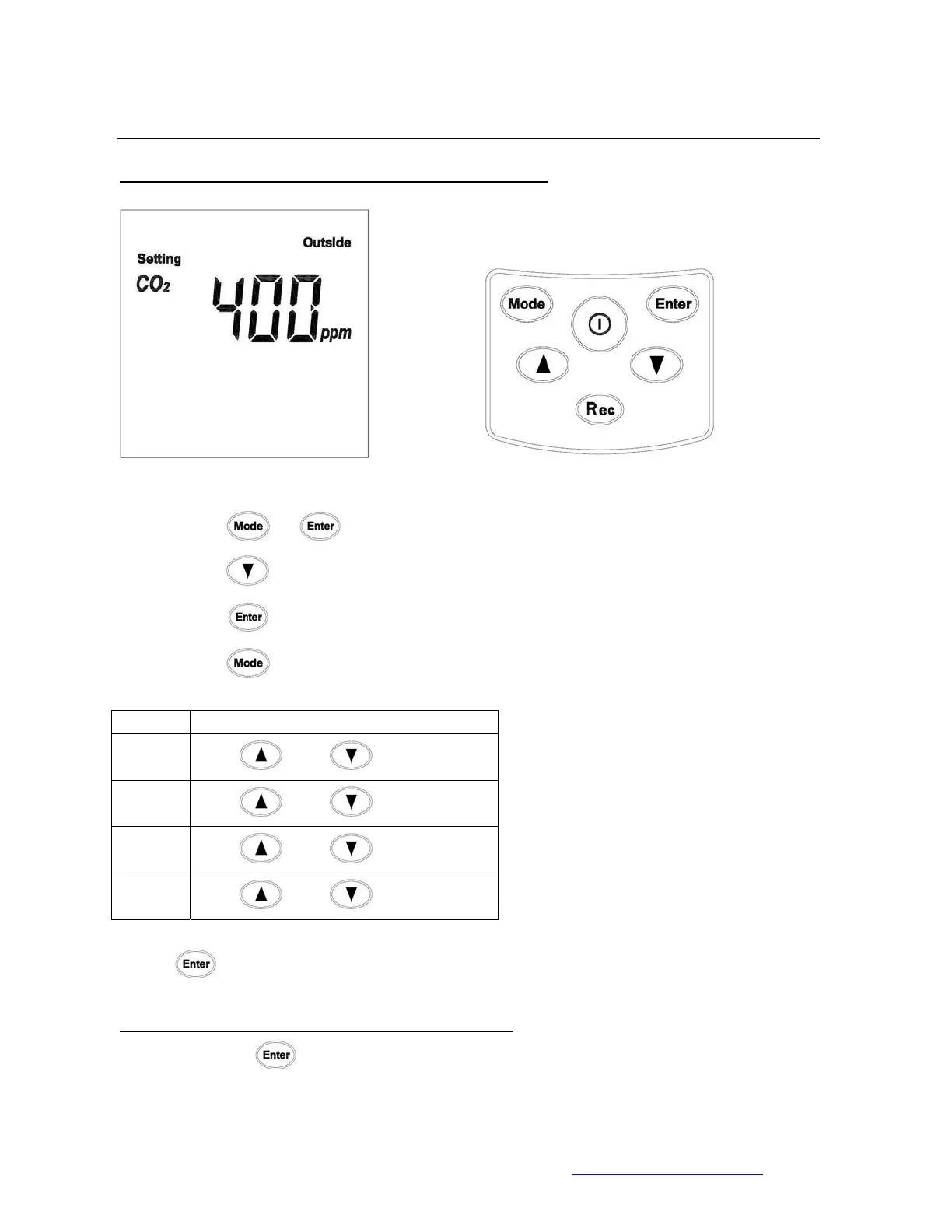
6. Enter Outside CO2 Value (default setting is 400ppm)
Enter Outside CO2 Manually:
• Press
+ to enter the setting menu.
• Press
5 times
• Press
to enter the Outside CO2 setting Menu (First digit starts to flash)
• Press
to rotate between digits
Unit Enter Value
1st digit
Use
and Select (0-9)
2nd
digit
Use
and Select (0-9)
3rd digit
Use
and Select (0-9)
4th digit
Use
and Select (0-9)
Press
to save and exit the Low Alarm Setting menu.
Accept current CO2 reading as Outside CO2 value
Press and hold
to 2 seconds. The current CO2 reading will be stored in the
memory.



 To Next Page