Sirius Technologies, Inc.
418-B Cloverleaf Dr. Baldwin Park, CA 91706
•TEL:(626)934-0100 • FAX:(626)934-0161 •E-Mail: INFO@SIRIUSTEC.COM
Page 19
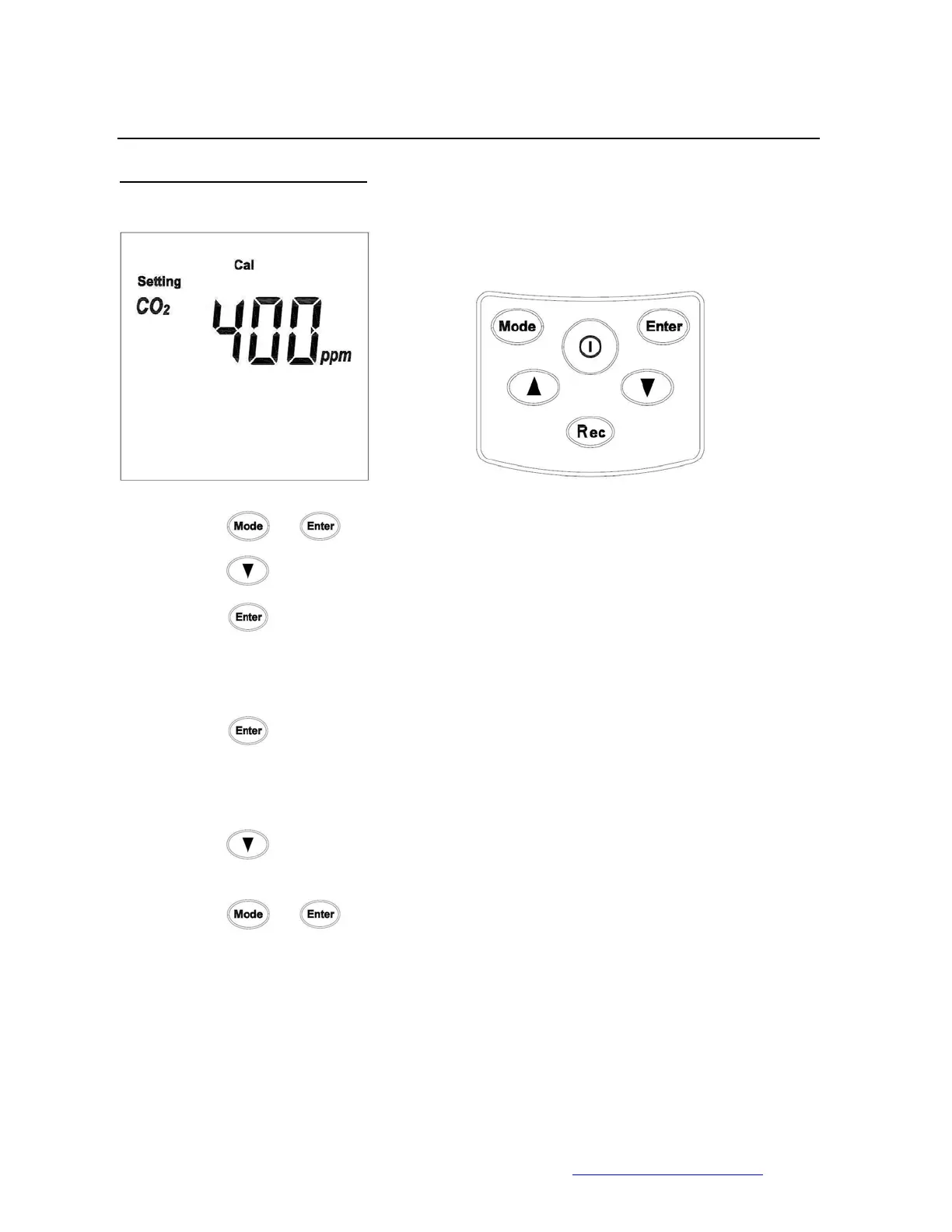
7. CO2 Calibration using ST501
• Press
+ to enter the setting menu.
• Press
6 times
• Press
to start calibration
• PPM reading will flash while calibrating
• Press
to stop the calibration (LCD will display “Err”)
• When the calibration is completed, the LCD screen will display “SUCC”
• Press
to exit the CO2 calibration menu
• Press
+ to return to the main menu



 To Next Page