EasyManua.ls Logo

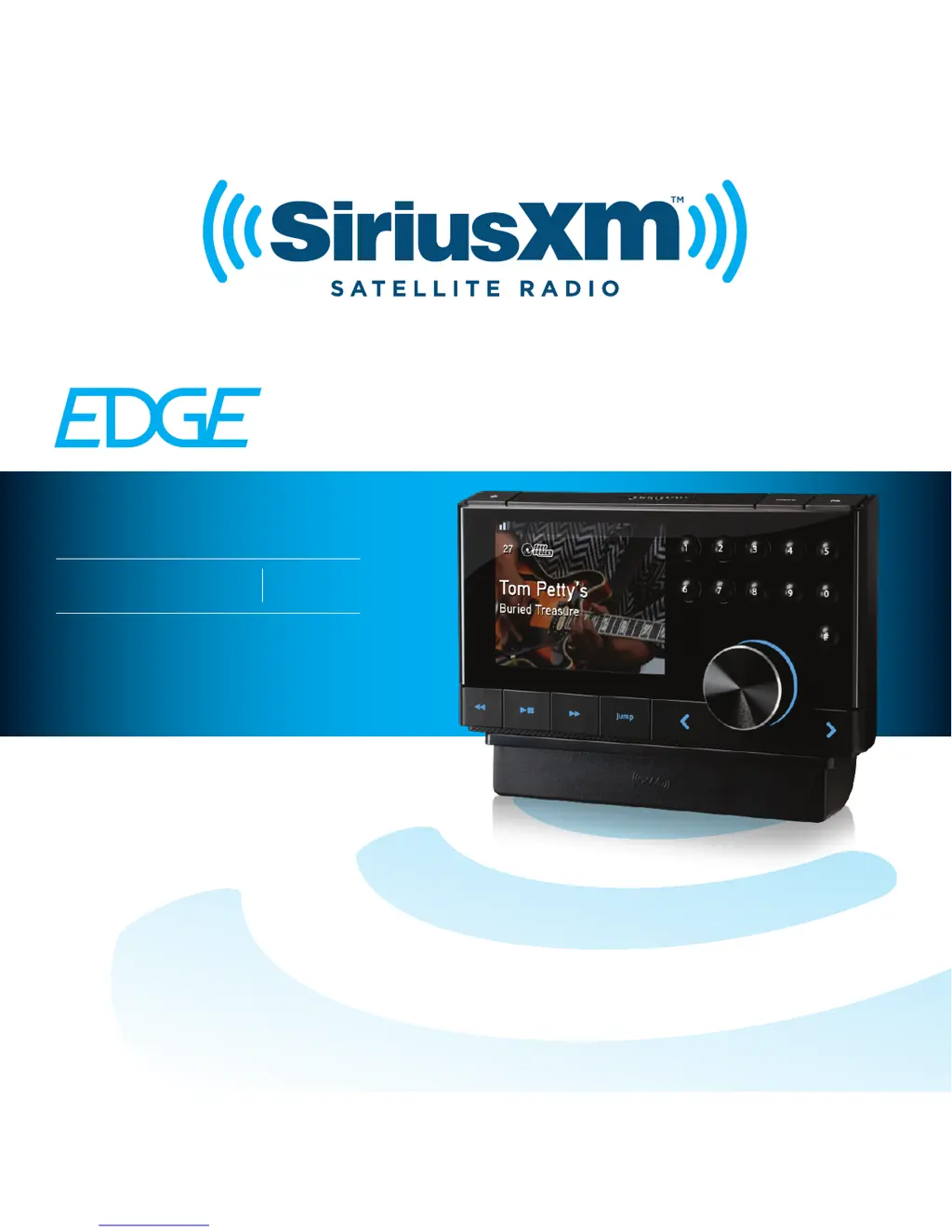
Sirius XM RAdio EDGE - User Manual

Sirius XM RAdio EDGE
104 pages
Print Icon
To Next Page IconTo Next Page
Loading...
USER GUIDE
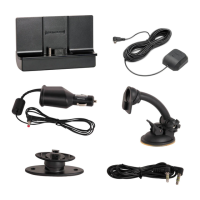
VEHICLE
KIT
INCLUDED
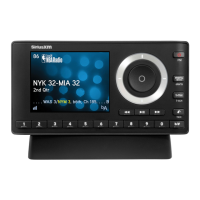
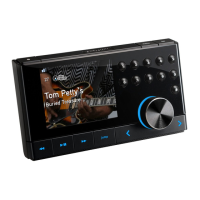
SiriusXM Dock & Play Radio

Other manuals for Sirius XM RAdio EDGE

Questions and Answers

  • E
    Emily PetersSep 3, 2025
    How to fix no satellite signal on Sirius XM RAdio?
    • J
      James PattersonSep 3, 2025
      If your Sirius XM RAdio is not getting a satellite signal, make sure your vehicle is outdoors and has a clear view of the sky. Also, ensure the Magnetic Mount Antenna is mounted outside the vehicle and is away from any obstructions.
  • C
    Cody FullerSep 18, 2025
    How to turn off demo mode on Sirius XM RAdio?
    • J
      Jasmine SawyerSep 18, 2025
      If the demo is playing on your Sirius XM RAdio, check that the antenna is connected properly and is not obstructed. Press and hold the Select button for 10 seconds to exit Demo Mode. You can also disable Demo Mode.
  • S
    sarah43Sep 16, 2025
    Why does my Sirius XM RAdio turn off unexpectedly?
    • T
      thomastownsendSep 16, 2025
      If your Sirius XM RAdio (Edge) turns off unexpectedly, set the Auto Shut Off status to disabled.
  • M
    Mr. Michael RushSep 14, 2025
    How to fix too soft audio on Sirius XM RAdio?
    • R
      Renee RoseSep 14, 2025
      If the audio sounds too soft on your Sirius XM RAdio, raise the volume of your stereo system or increase the audio level of your Edge until the sound quality improves.
  • S
    Sarah SchroederSep 12, 2025
    Why is there no audio when using PowerConnect on Sirius XM RAdio?
    • R
      ricardothomasSep 12, 2025
      If you have no audio when using PowerConnect or FMDA with your Sirius XM RAdio, check that your Edge and your vehicle’s FM radio are tuned to the same FM channel. For PowerConnect, ensure you are using the PowerConnect Vehicle Dock and PowerConnect Power Adapter. Also, ensure that the FM Transmitter in Edge is turned On.
  • C
    Cassandra CarrSep 12, 2025
    Why is there no audio when using Aux In Cable on Sirius XM RAdio?
    • J
      jessicasmithSep 12, 2025
      If there's no audio when using the Aux In Cable or Cassette Adapter with your Sirius XM RAdio, check all cables between your Edge and your vehicle’s stereo system for a secure connection. Ensure you've selected the correct input source on your vehicle’s stereo system. Increase the audio level of Edge. Also, make sure the FM Transmitter in Edge is turned Off.
  • B
    Brittany CarrilloSep 9, 2025
    How to stop audio fading with static on Sirius XM RAdio?
    • S
      Sarah BanksSep 9, 2025
      If the audio fades or has static when listening to Sirius XM RAdio via your vehicle’s FM radio (using PowerConnect), it's most likely interference from another commercial or broadcast FM station. Find an unused FM channel in your area. If that doesn't work, consider using an FM Direct Adapter.
  • L
    Laura VincentSep 7, 2025
    Why am I not receiving all subscribed channels on Sirius XM RAdio?
    • K
      Karen ButlerSep 7, 2025
      If you are not receiving all the channels you've subscribed to on Sirius XM RAdio, first ensure that you have subscribed to the service. Then, go to www.siriusxm.com/refresh and follow the directions to refresh your Radio. Alternatively, call 1-866-635-2349 for further assistance.
  • H
    hernandezjenniferSep 5, 2025
    What to do if I see 'Check Antenna' on my Sirius XM RAdio?
    • R
      Rachel FischerSep 5, 2025
      If you are getting a 'Check Antenna' error on your Sirius XM RAdio, it's likely the Magnetic Mount Antenna cable is damaged. You should replace the antenna.
  • R
    richardcarterAug 20, 2025
    How to fix 'No Satellite Signal' on my Sirius XM Radio?
    • X
      xlevyAug 21, 2025
      If you are experiencing a 'No Satellite Signal' message on your Sirius XM Radio, try the following: Move the antenna to a south-facing window or find a better location for the antenna. If the issue persists, try turning Edge Off and then On to reset the message. If you are still having issues, the Indoor/Outdoor Home Antenna cable may be damaged, and you may need to replace the antenna.

Summary

Introduction to SiriusXM Edge

Safety and Care Information

Provides essential guidelines for the safe operation and maintenance of the device.

Edge Button Functions

Details the purpose and operation of each button on the Edge device.

Vehicle Installation Guide

Step 1: Choose a Location for Your Radio

Guidance on selecting an optimal and safe mounting location for the radio in the vehicle.

Step 2: Install the Dash or Vent Mount

Instructions for securely installing either the dash mount or the vent mount.

Step 3: Mount the Magnetic Mount Antenna

Steps for properly mounting the magnetic antenna for optimal signal reception.

Step 4: Route the Antenna Cable

Detailed instructions for routing the magnetic mount antenna cable through the vehicle.

Step 5: Connect Antenna and Power Adapter

Steps to connect the magnetic mount antenna and the PowerConnect power adapter.

Step 6: Connect the Audio

Explains various options for connecting the audio output to the vehicle's stereo system.

Subscribing to SiriusXM Service

General Activation and Subscription Process

Outlines the standard procedure for activating the radio and subscribing to the service.

Using Your SiriusXM Edge

Navigation Basics

Covers fundamental controls like buttons, rotary knob, and menu navigation.

Listening to Satellite Radio

Instructions on how to tune to channels and browse through categories.

Direct Tune

How to tune directly to a specific channel using the numerical keypad.

Special Features of SiriusXM Edge

Pause & Replay Functionality

Details on how to pause, rewind, and replay live satellite radio content.

Parental Controls Setup

Information on setting up and using parental controls to lock channels or categories.

Configuring Your SiriusXM Edge

Set and Select an FM Channel

Instructions for storing and selecting FM channels for presets.

Troubleshooting Common Issues

No Satellite Signal

Solutions for when the device is not receiving a satellite signal.

Check Antenna Connection

Steps to resolve issues related to antenna connection or damage.

SiriusXM 90-Day Limited Warranty

Sirius XM RAdio EDGE Specifications

General IconGeneral
BrandSirius XM RAdio
ModelEDGE
CategoryRadio
LanguageEnglish

Related product manuals