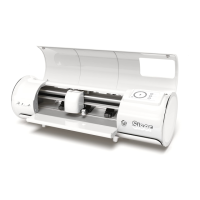
ROLL HOLDER SET UP
1
Position the Material Roll Holder behind Romeo™.
Place a material roll onto the rollers.
2
Load the material through the back of the cutter,
giving the material some slack.
8
3
Align the material with the guide strip and place
evenly under the pinch rollers for optimal tracking.


 To Next Page