MD-020 Card Reader
2. Driver/Utility Installation
A SIM Editor utility is provided to help you manage SIM card data in an easier
way. Take these steps to install the utility.
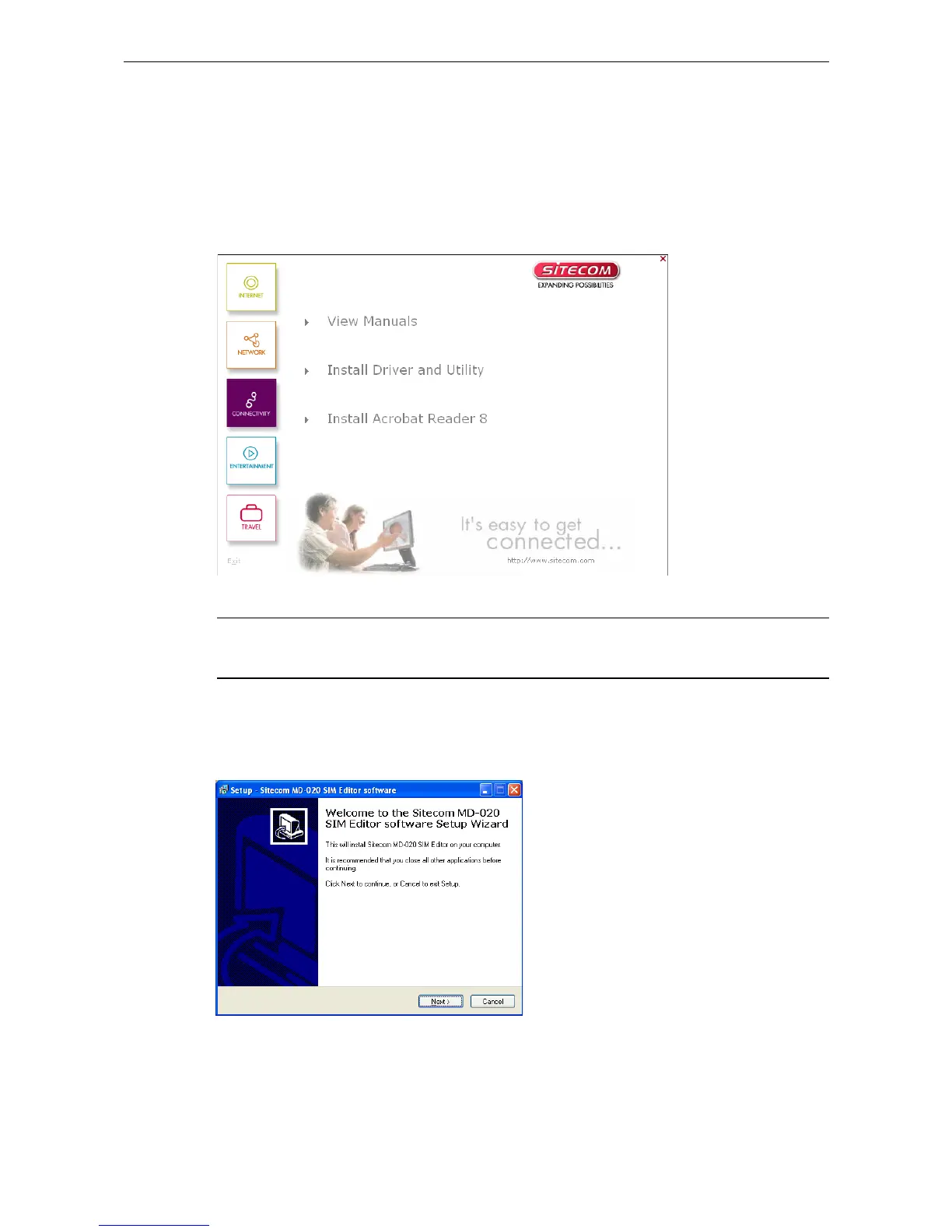
1. Insert the CDROM into your CD-ROM drive. The CDMenu will automatically start.
Note: If the CDMenu does not start automatically, double-click the cdmenu.exe
file under x:\menu (where x: is your CD-ROM drive letter).
2. Click Install Driver and utility
3.
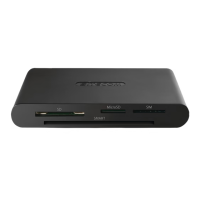
Click Next to and follow the instructions on your screen.
4.
Click Finish to complete the setup.
2



 To Next Page