MD-020 Card Reader
3. Using the SIM Editor Software
Reading a SIM card
1. Connect the SIM Card Reader to a free USB port on your computer.
2.
Insert your SIM card into the reader with the gold contacts facing down.
3.
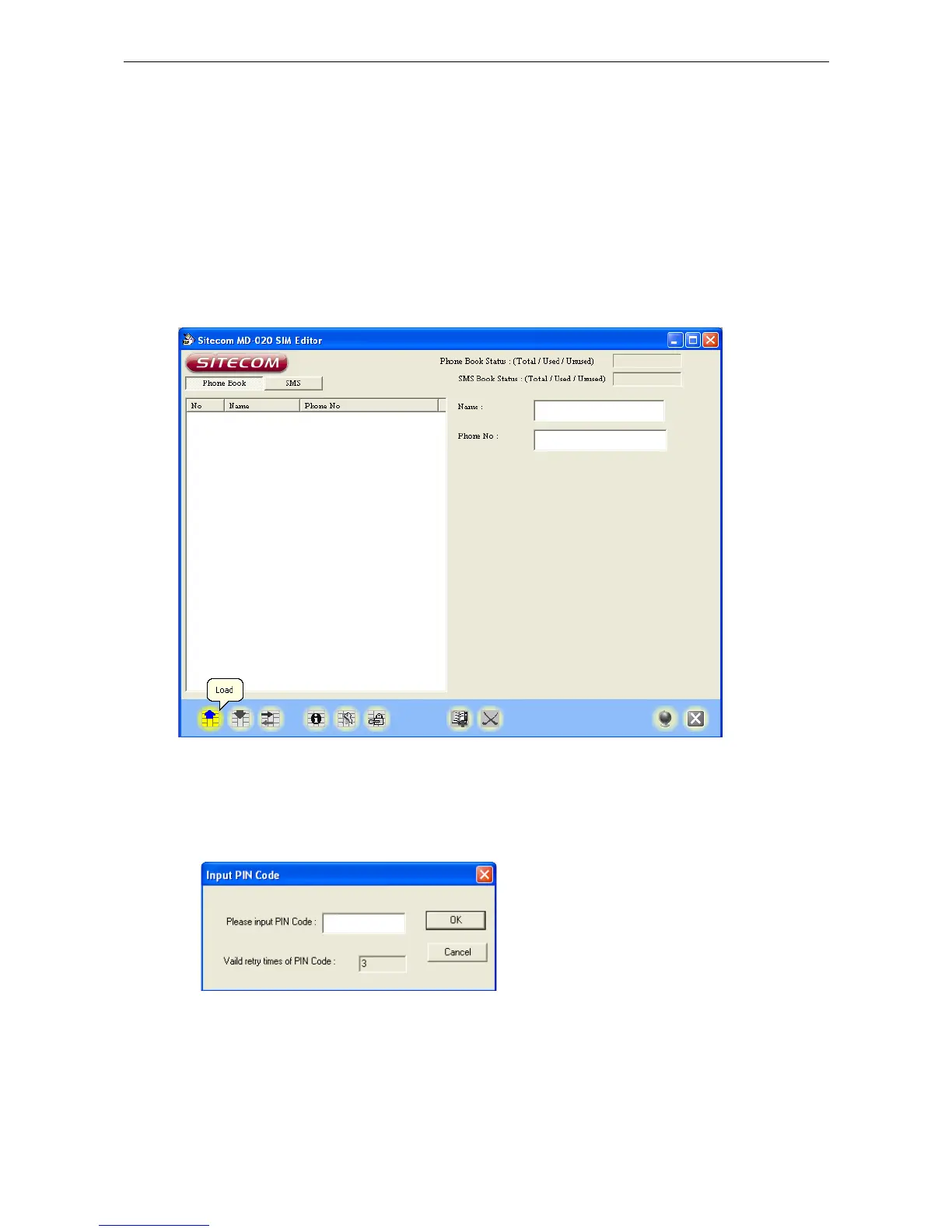
Launch the SIM Editor. Go to Start > Programs > Sitecom MD-020 SIM Editor >
Sitecom SIM Editor.
4. Click the “Load/Refresh” button to read the information on the SIM card.
5. If your SIM card is locked with a PIN code, enter your PIN to continue.
6. The Sitecom SIM Editor software will now read your SIM card and display the
phone-numbers. Click the SMS Messages button on the upper left corner of the
screen to view the SMS messages on your SIM card.
3



 To Next Page