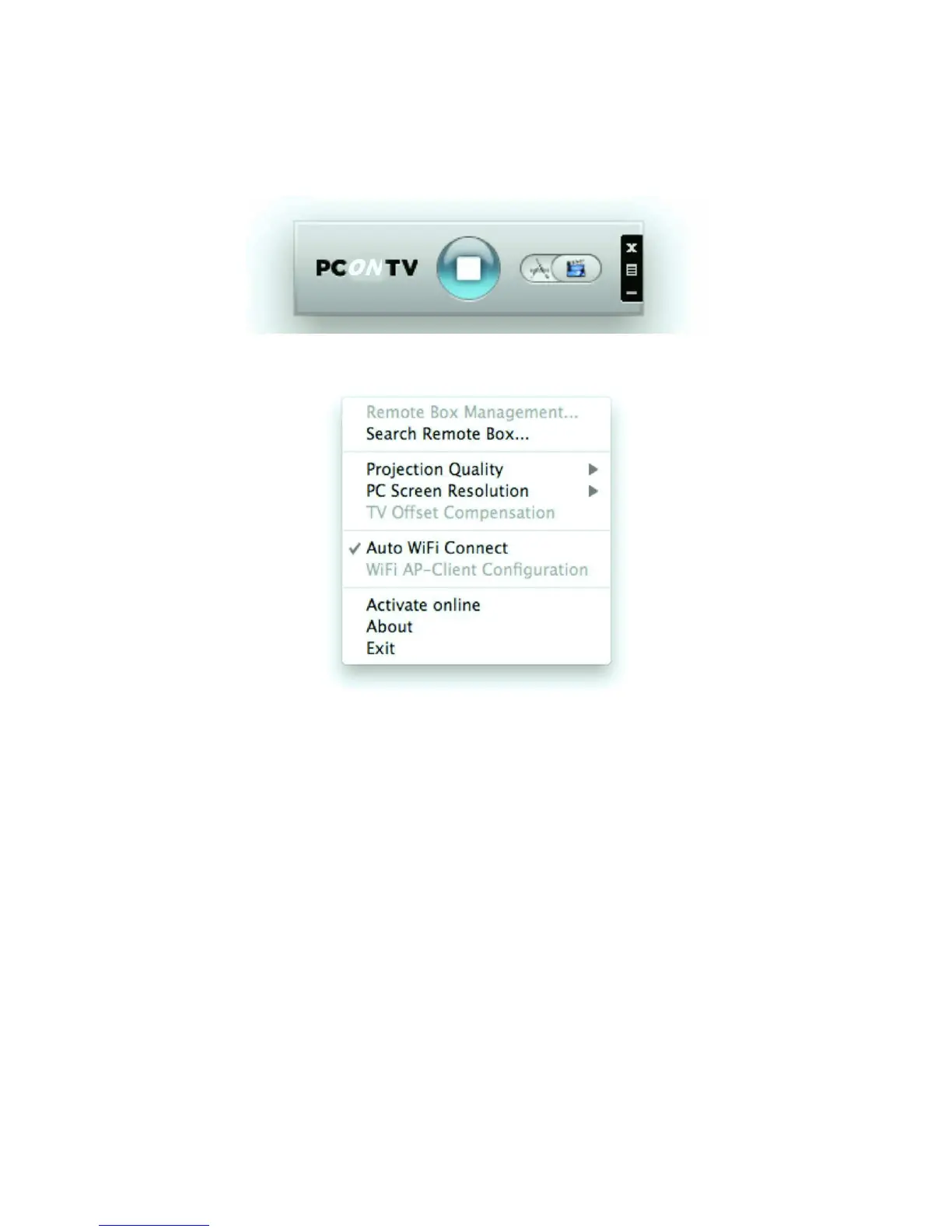
Using the PConTV software user interface pop-up Menu
When the PConTV software is running, you can move your mouse cursor to the Menu
button (to be found on the right edge of the PConTV software user interface).
Click on the Menu (as shown above) button to show the menu items.
Click <Remote Box Management> to connect to the PConTV administration web
page.
For more information on the web management, please refer to chapter 7 of this user
manual.


 To Next Page