8 Web management
Home page
Make sure your Windows or Mac PC is connected to the PConTV successfully.
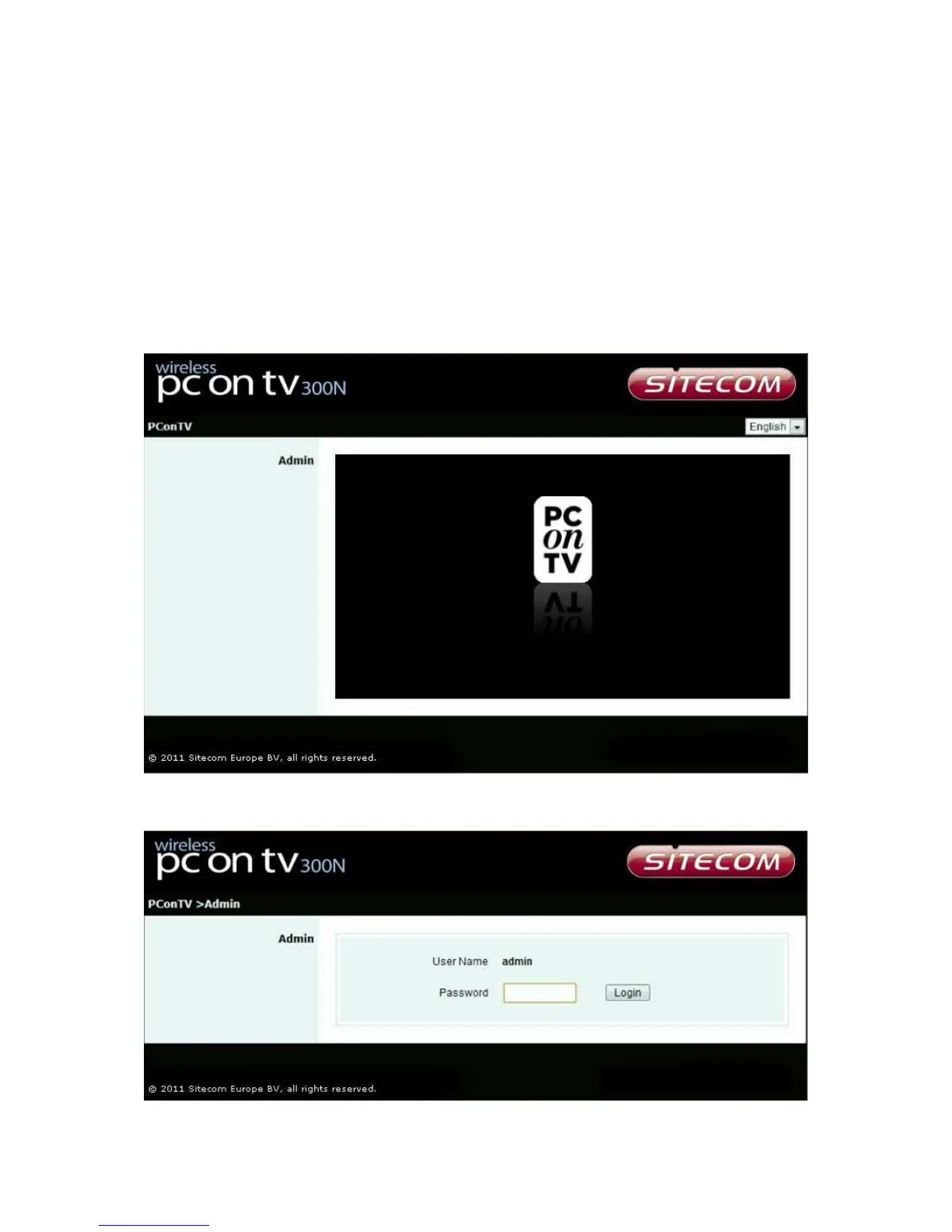
Open your browser, and enter the IP address of your PConTV. (You can find the
PConTV IP address on the TV screen when the PConTV is powered on and is presenting
the startup screen in the lower left corner of this startup screen). The screen below will
be shown in your browser. Choose your language in the upper right corner and click
<Admin>.
Log in web admin


 To Next Page