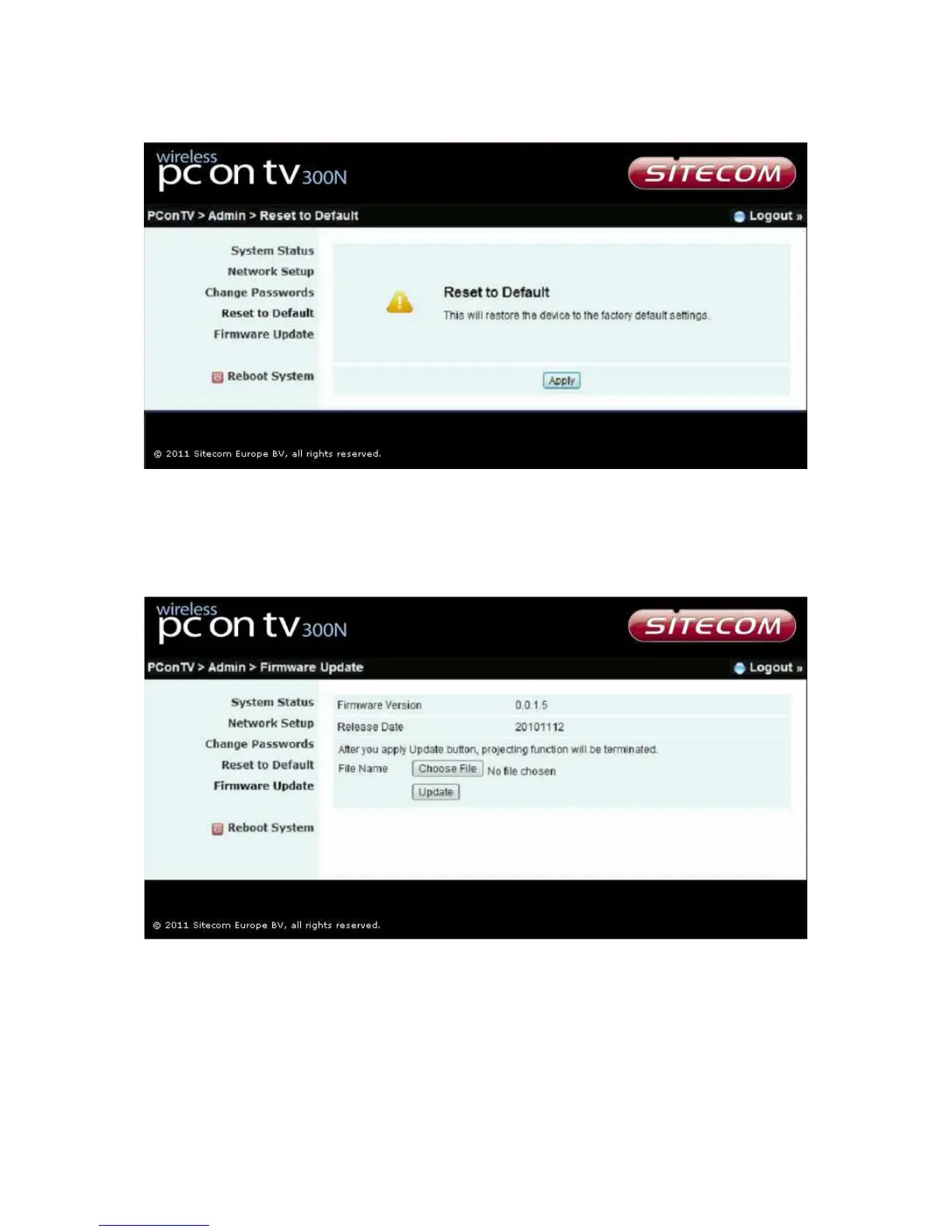
Reset to default
*** Click [Reset to Default] button to restore the factory default settings.
<Apply>: Confirmation and action.
Firmware update
*** Click [Firmware Update] button to upgrade firmware.
♦ Get the latest firmware.
♦ Click <Choose File> to specify file name you want to upgrade.
♦ Click <Update> to start.
The upgrade process will take about 5 minutes to complete. The PConTV device will
reboot automatically when the process is completed.


 To Next Page