<DHCP Server Setup>
You can select “Auto” or “Disable”. When “Auto” is selected, it will automatically disable
DHCP on the PConTV when another DHCP server is detected, otherwise it will enable its
DHCP service.
♦ Start IP: The start IP address of DHCP Server.
♦ End IP: The end IP address of DHCP Server.
<Wireless Setup>
♦ Wireless LAN: you can select “Enable” or “Disable”
♦ Region: default value is “Worldwide”.
♦ SSID: SSID string, max. Length is 32 bytes.
♦ SSID Broadcast: you can select “Enable” or “Disable”
♦ Channel: to set fixed channel or Auto.
♦ Security: Open/WEP/WPA/WPA2
♦ Key: Security key of your choice.
<Apply>: press this button to select this mode
<Cancel>: press this button to abort action.
<Back>: back to Operating mode main menu
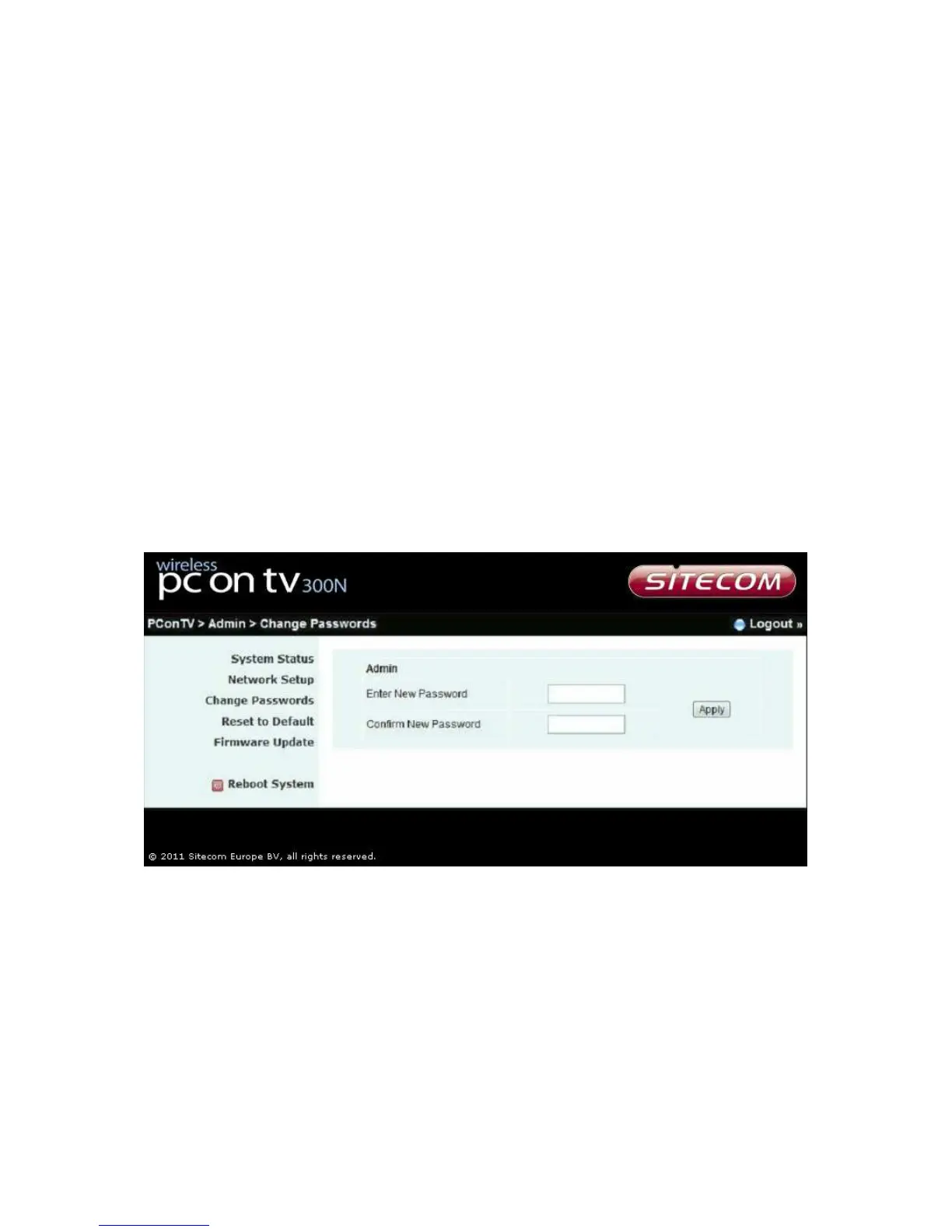
Change passwords
*** Click [Change Password] button to change password value.
<Enter New Password>: enter a new password of your choice
<Confirm New Password>: double confirm new password.
<Apply>: Confirmation and Save modifications.


 To Next Page