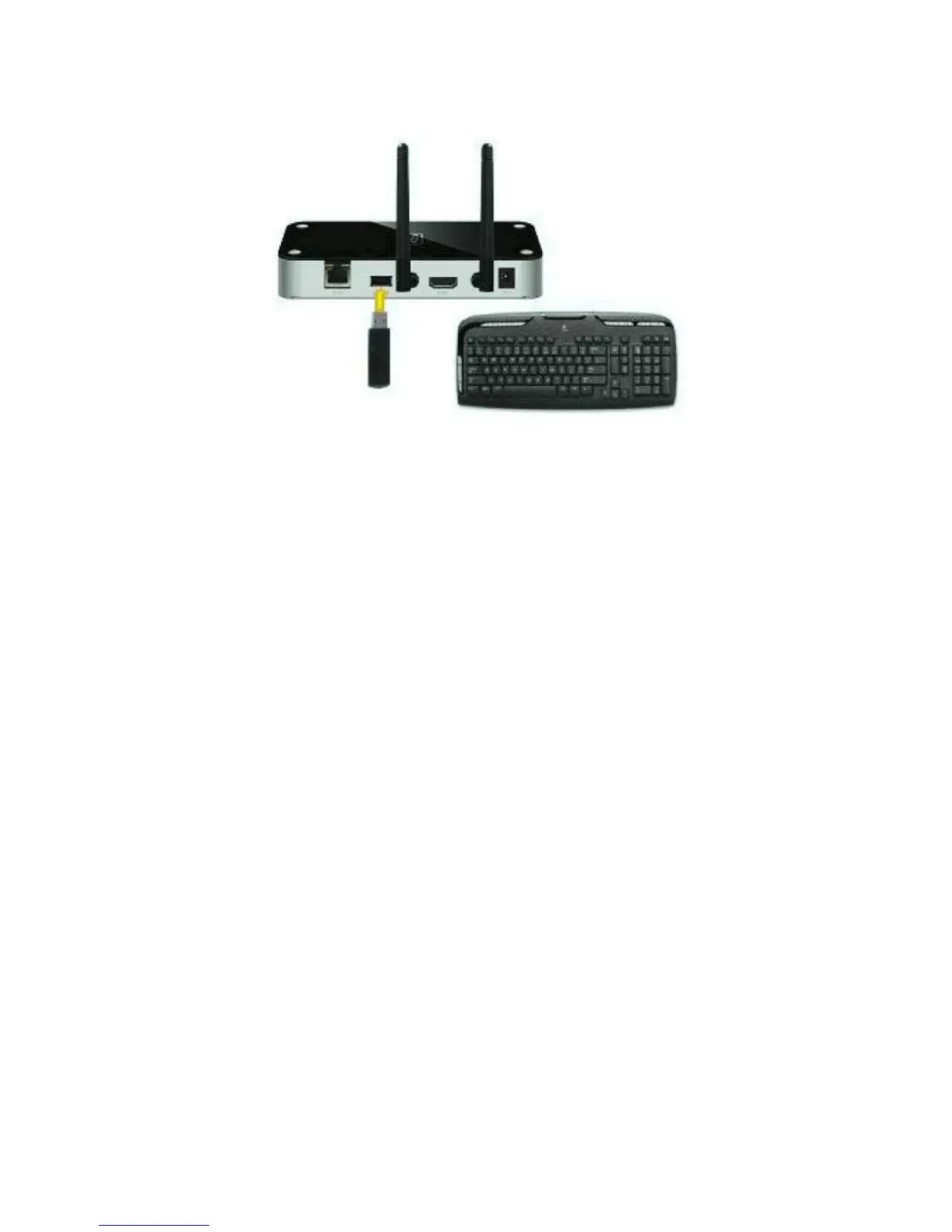
Once connected, the mouse or keyboard can be used to select a PC from the PC list
above, and also to operate every PC when its screen is shown on TV. If you want to use a
game controller for gaming, attach your controller directly to your laptop or PC.
Controlling your PC with Air Mouse Controller via iPhone®, iPod® Touch, iPad®
or other touch gestured mobile device.
Search for an Air Mouse application in the App Store. Download a suitable program of
your choice. Attach your mobile device using WiFi to the same network your PC and the
PConTV are on and you can control your mouse or keyboard on TV using your mobile
device.


 To Next Page