E |3
15 TOOLBOX Settings
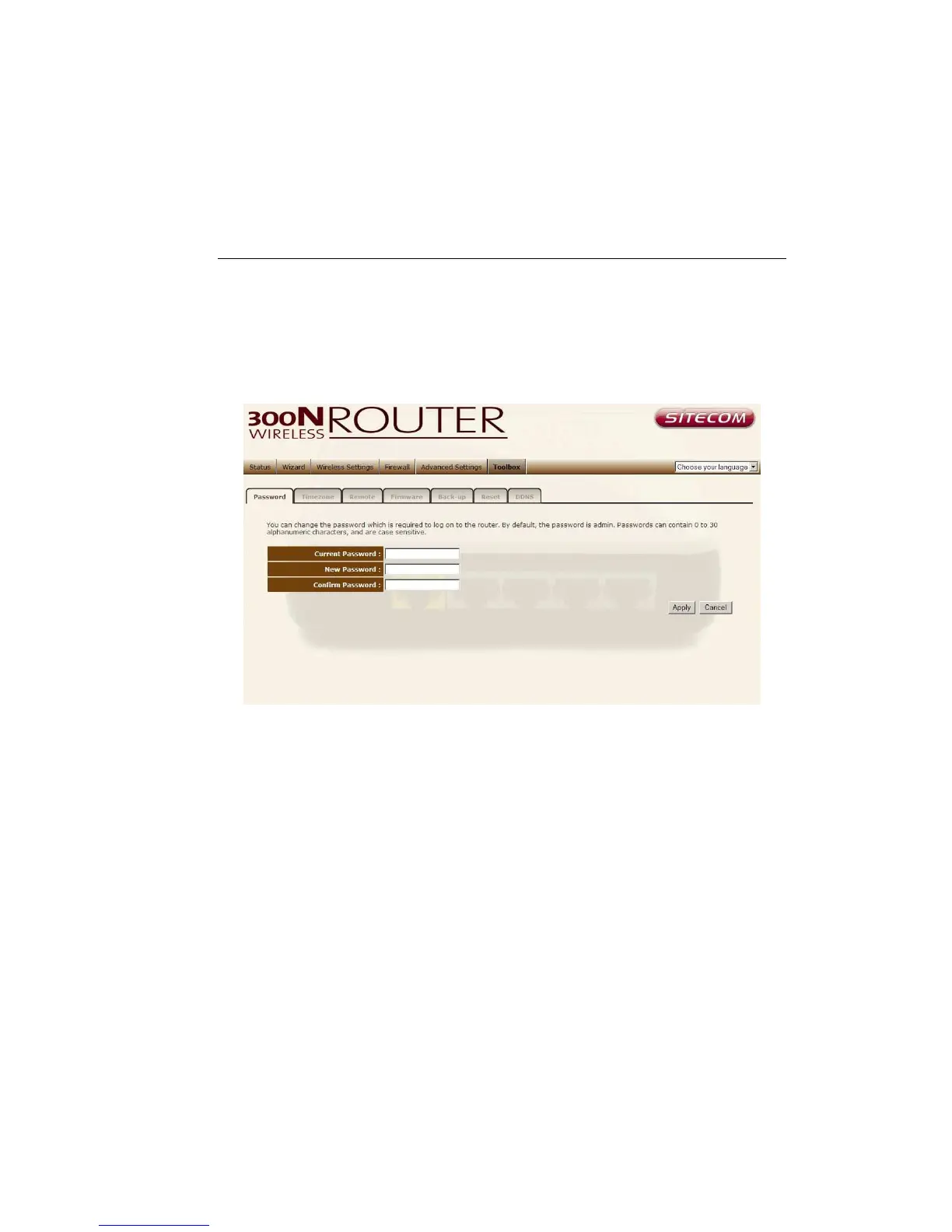
Password change options
You can change the password required to log into the broadband router's
system web-based management. Passwords can contain 0 to 12 alphanumeric
characters, and are case sensitive.
Current Password Fill in the current password to allow changing to a new
password.
New Password Enter your new password.
Confirmed Password Enter your new password again for verification
purposes.
Click <Apply> at the bottom of the screen to save the above configurations



 To Next Page