12
Menu Description
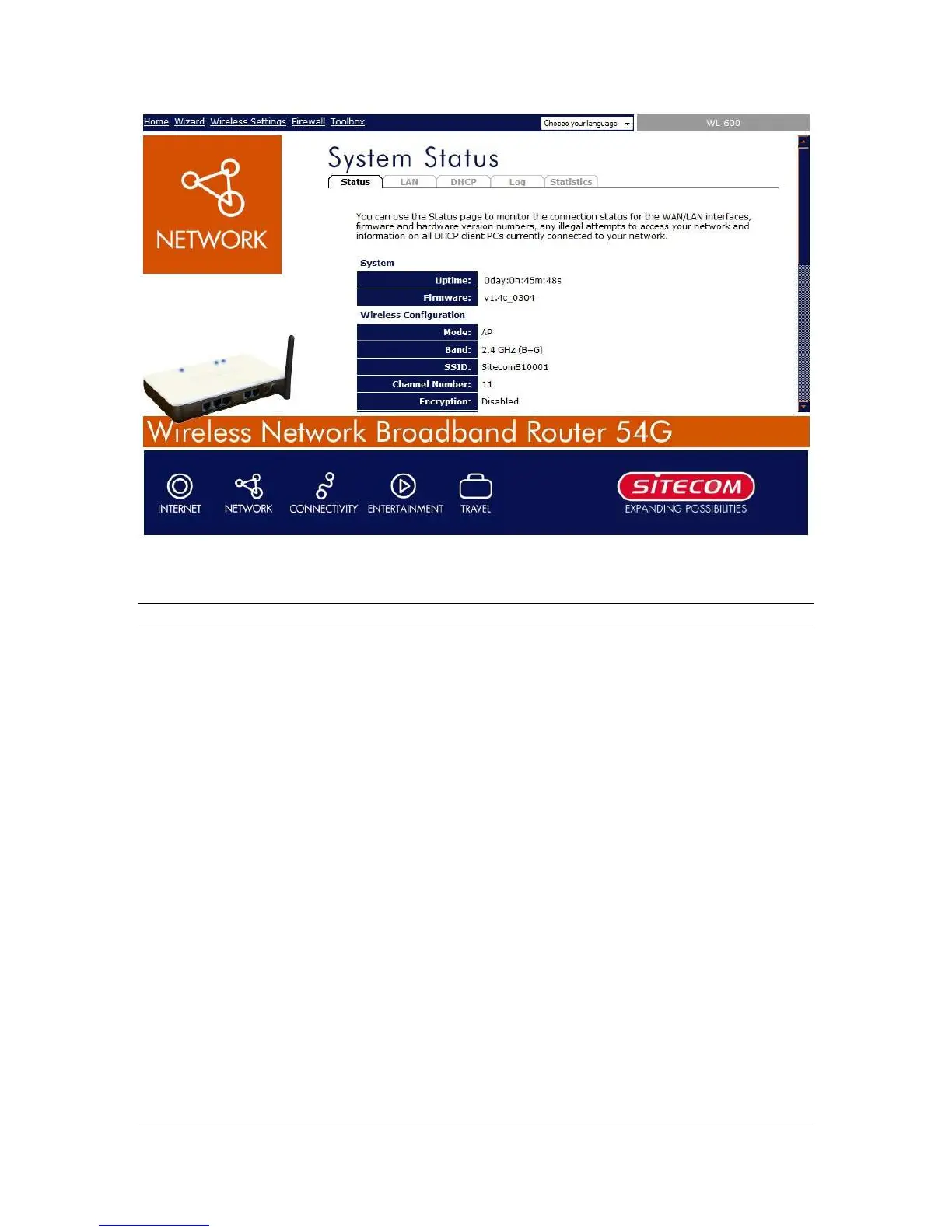
Home (Chapter 1)
In this section you can see the Broadband
router's system information, Internet Connection,
Device Status, System Log, Security Log and
DHCP client information.
Wizard (Chapter 2)
Select your Internet connection type and then
input the configurations needed to connect to
your Internet Service Provider (ISP).
Wireless Settings (Chapter 3)
This section contains the wireless settings and
allows you to configure the AP settings and
security. This section also contains Site Survey
to find wireless networks in the neighborhood,
and WDS settings.
Firewall (Chapter 4)
This section contains configurations for the
Broadband router’s advance functions such as:
Virtual Server, Access Control, Hacker Attack
Prevention, DMZ, Special applications and other
functions to meet your LAN requirements.
Toolbox
This section contains the broadband router’s
Tools - Tools include Configuration tools,
Firmware upgrade and Reset. Configuration



 To Next Page