4
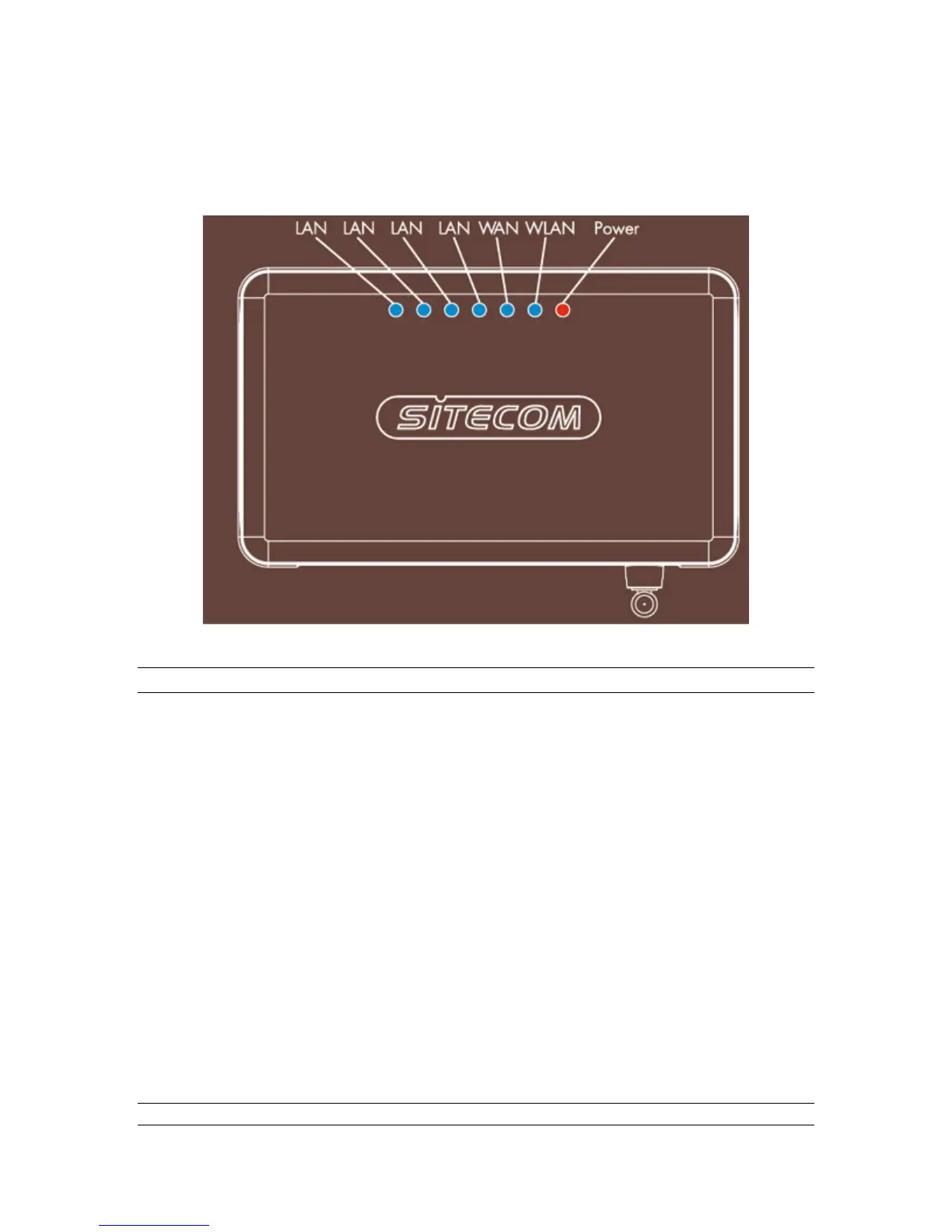
Front Panel
On the router’s front panel there are LED lights that inform you of the router’s current status.
Below is an explanation of each LED and its description.
LED Light Status: Description
PWR
ON: Router’s power supply is on
WAN 10/100M
ON: WAN port 100Mbps is connected
OFF: WAN port 10Mbps is connected
WAN LNK/ACT
ON:
WAN is connected
OFF: No WAN connection
Flashing: WAN port has Activity (ACT), data
being sent
LAN 10/100M
ON: LAN port 100Mbps is connected
(Port 1-4) OFF:LAN port 10Mbps is connected
LAN LNK/ACT
ON: LAN is connected
(Port 1-4) OFF:No LAN connection
Flashing: LAN port has Activity (ACT), data
being sent
802.11G
ON: Wireless LAN has been activated
OFF:Wireless LAN is disabled
Flashing: Wireless LAN has Activity (ACT) data
being sent



 To Next Page