IP Pool Range You can select a particular IP address range for your
DHCP server to issue IP addresses to your LAN Clients.
By default, the IP range is starting from IP 192.168.0
to 192.168.0.200.
Show Client Click this button and a table is displayed. You can know
the assigned IP address, MAC address and time expired
for each DHCP leased client.
Max Lease Time In the Lease Time setting you can specify the time period
that the DHCP Server lends an IP address to your LAN
clients. The DHCP will change your LAN client’s IP address
when this time threshold period is terminated.
Domain Name A user-friendly name that refers to the group of hosts
(subnet) that will be assigned addresses from this pool.
Gateway Address The IP address of the ADSL router.
MAC Base
Assignment
C
lick this button and you can assign a static IP Address to
the computer with the designated MAC Address. The MAC
Address is the 12-digit hexadecimal number, for example
"00-d0-59-c6-12-43". The Assigned IP Address should be
a unique IP Address.
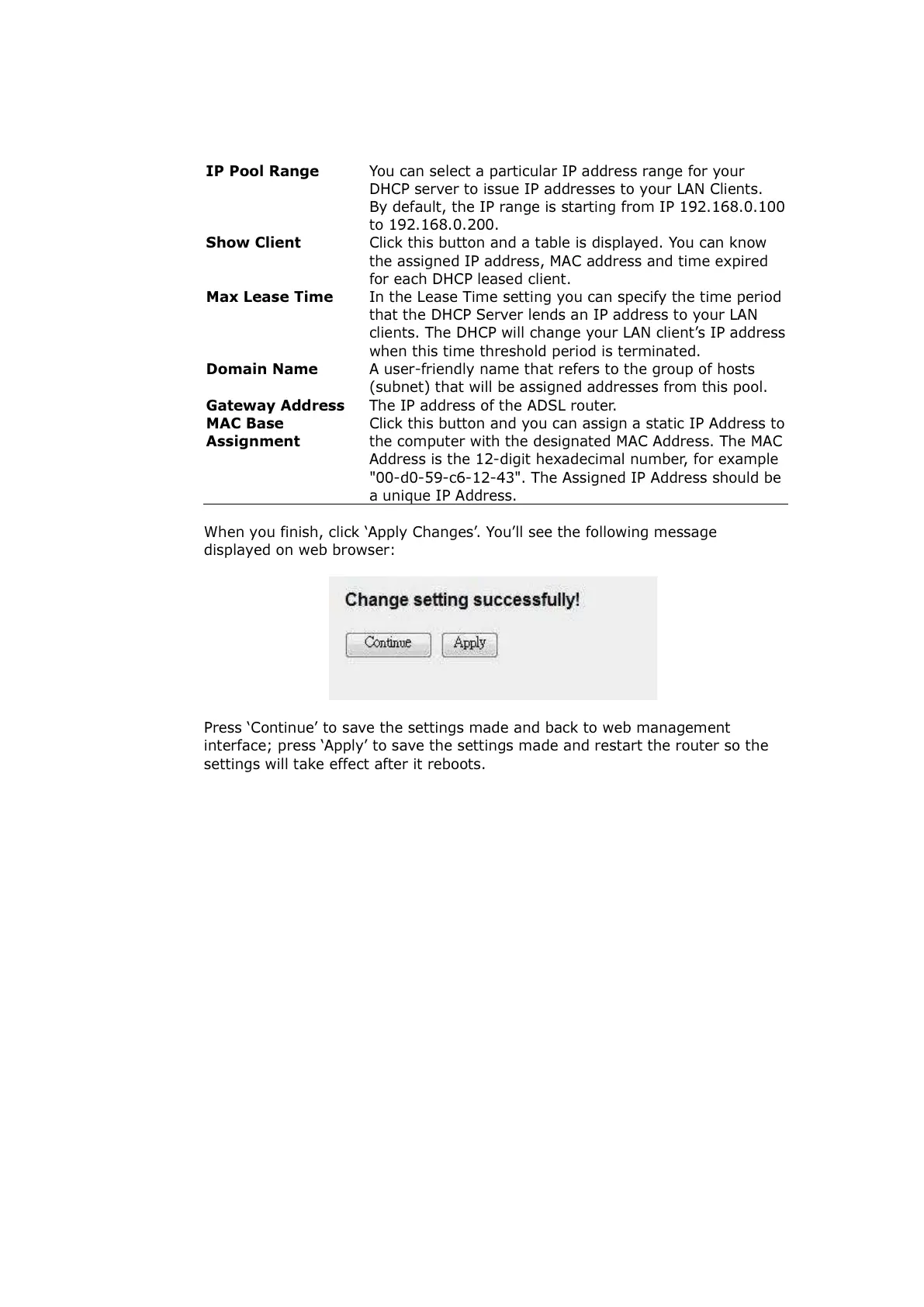
When you finish, click ‘Apply Changes’. You’ll see the following message
displayed on web browser:
Press ‘Continue’ to save the settings made and back to web management
interface; press ‘Apply’ to save the settings made and restart the router so the
settings will take effect after it reboots.
All manuals and user guides at all-guides.com



 To Next Page