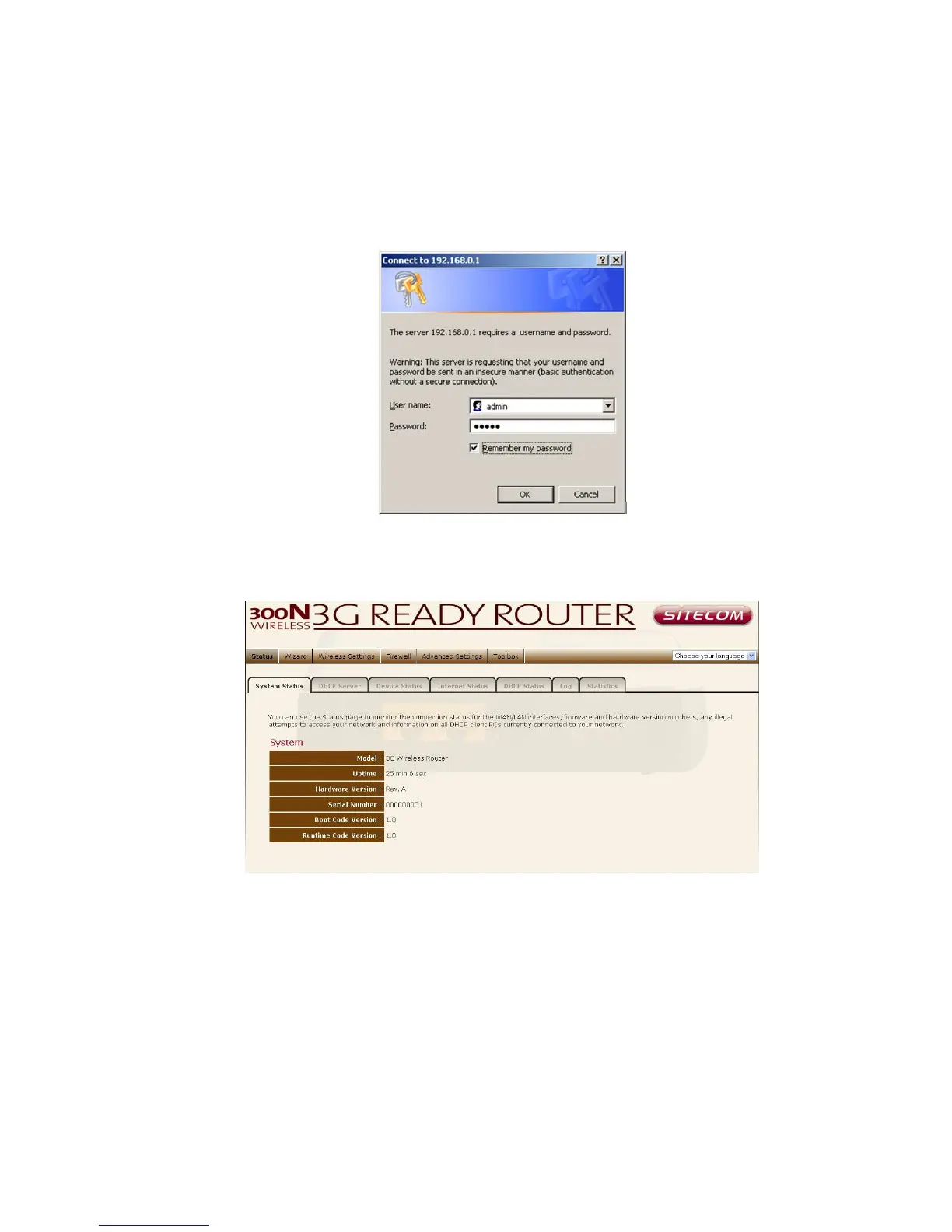
3. Type user name and password (default username is admin the password
can be found on the backlabel of your router).
4. Click OK.
5. You will see the home page of the WLR-2001.
The System status section allows you to monitor the current status of your
router: the UP time, hardware information, serial number as well as firmware
version information is displayed here.



 To Next Page