E |3
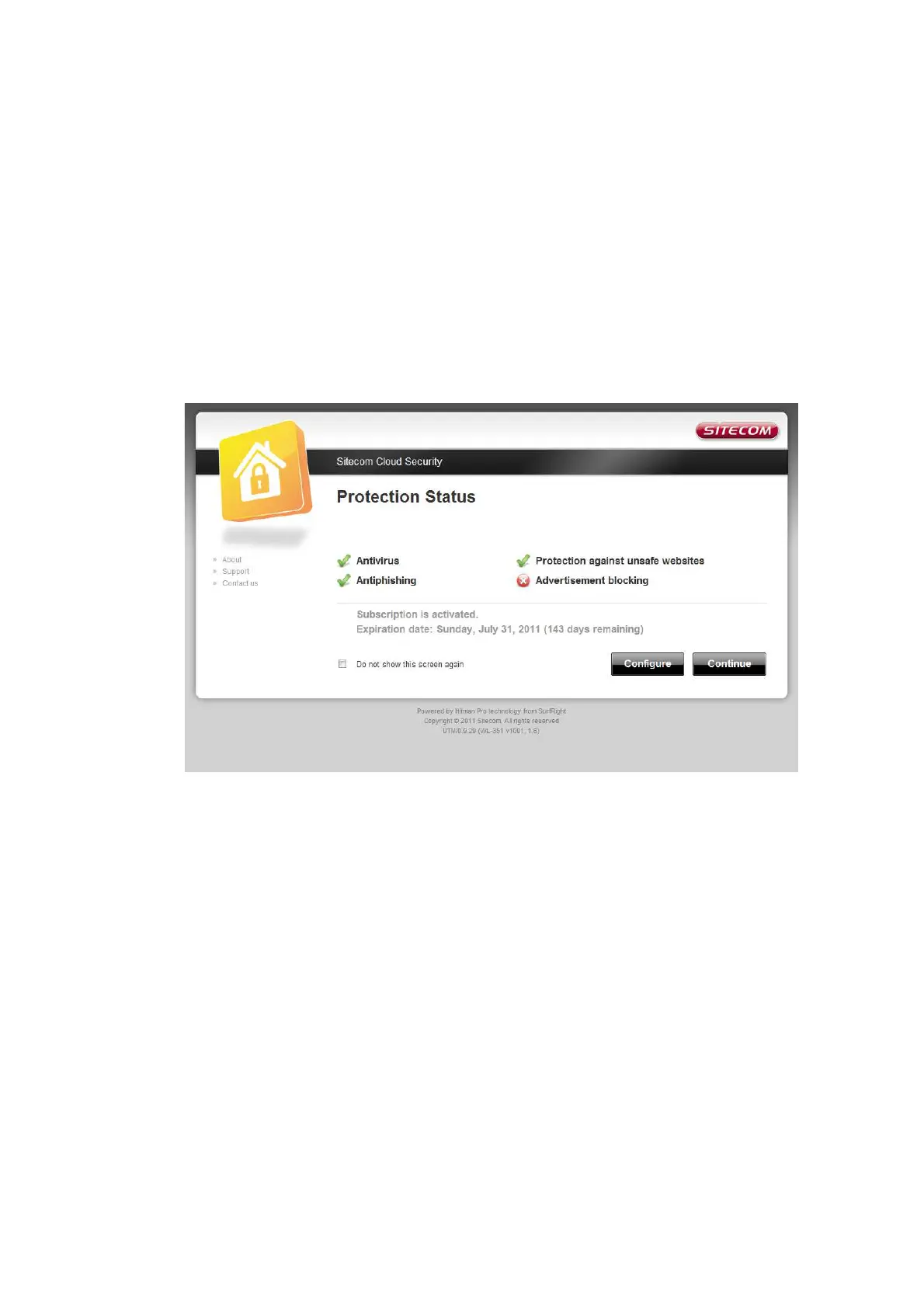
- Anti-Mlware
- Anti-Phishing
- Protection against unsafe websites
- Advertisement blocking
After selecting your preferred protection options, enter the Key code and
Security code that you have received with your Sitecom product.
Before you can now activate your subscription you will have to accept the
license agreement. After this click the activation button. You will be shown the
status of your Sitecom cloud security and the expiration date of your current
subscription.



 To Next Page