Wireless Settings
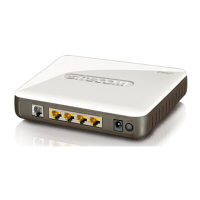
You can set parameters that are used for the wireless stations to connect to this router
for the 2.4 GHz radio or 5 GHz radio. The parameters include Mode, ESSID, Channel
Number and Associated Client.
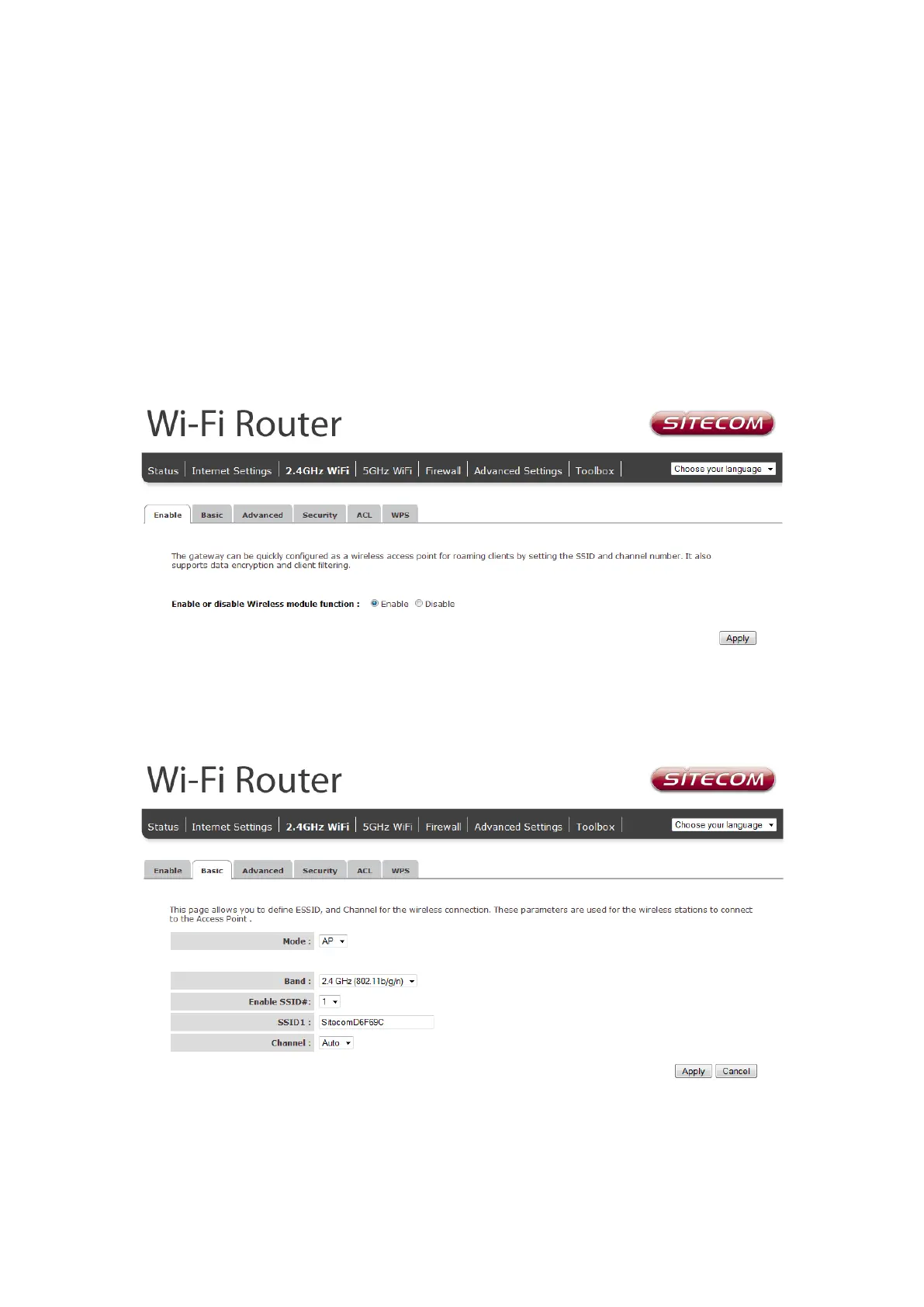
Wireless Function
Enable or Disable Wireless function here. Click Apply and wait for module to be ready &
loaded.
Basic Settings
• Band: Allows you to set the AP fixed at 802.11b or 802.11g mode. You can
also select B+G mode to allow 802.11b and 802.11g clients at the same time.



 To Next Page