NetUSB Scanning using Network Scanning
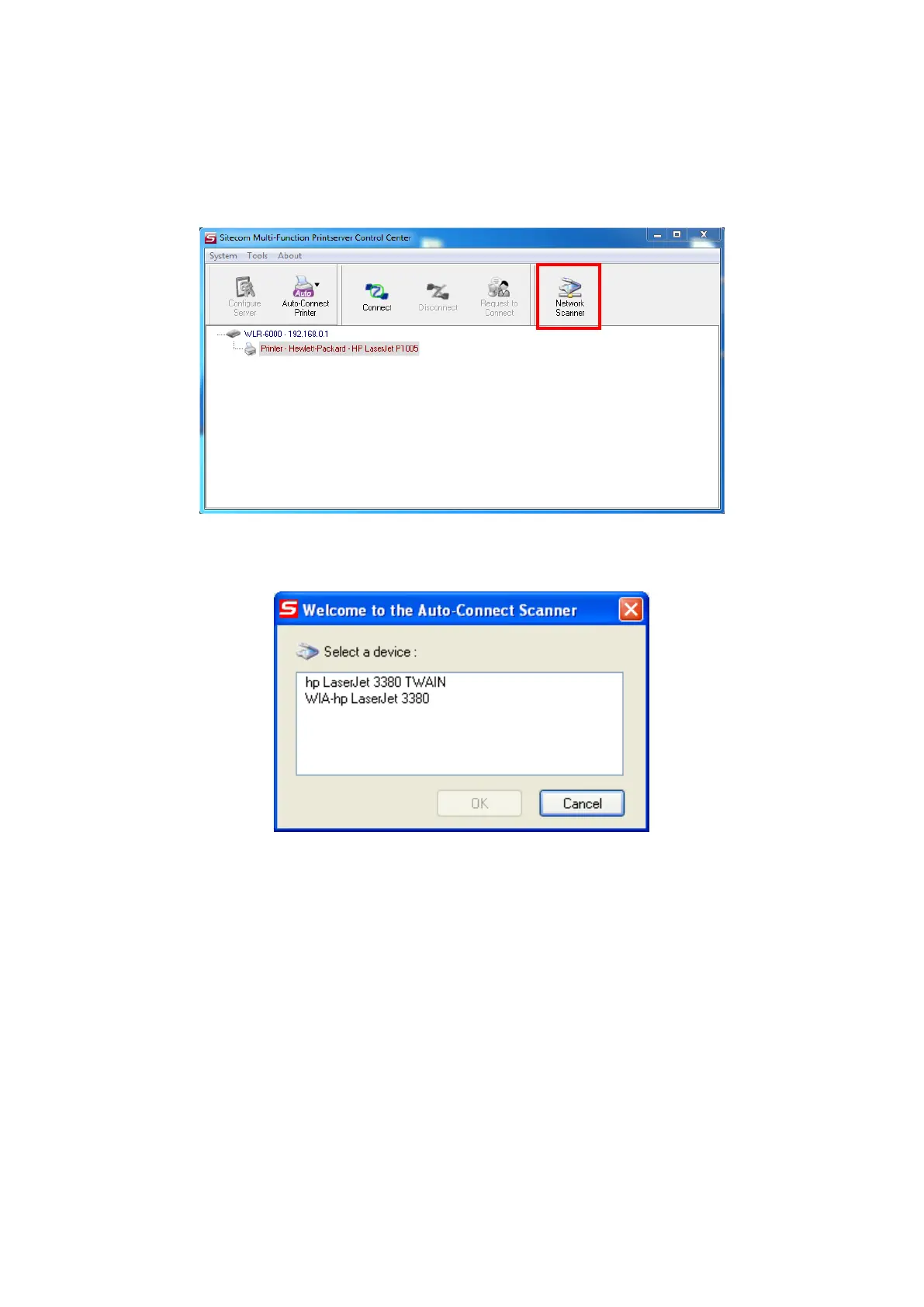
In the Control Center, click the MFP server that has the desired MFP attached.
Click the desired MFP.
Click the “Network Scanner” button.
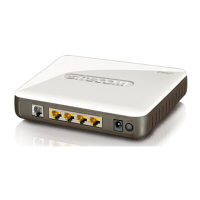
Then you can see that the Control Center will automatically do a “connect”
operation. The following window will appear.
Choose one of TWAIN or WIA item. Click “OK”. The following window will
appear.



 To Next Page