4 5
Step 1
Range Extender configuration
Option 1
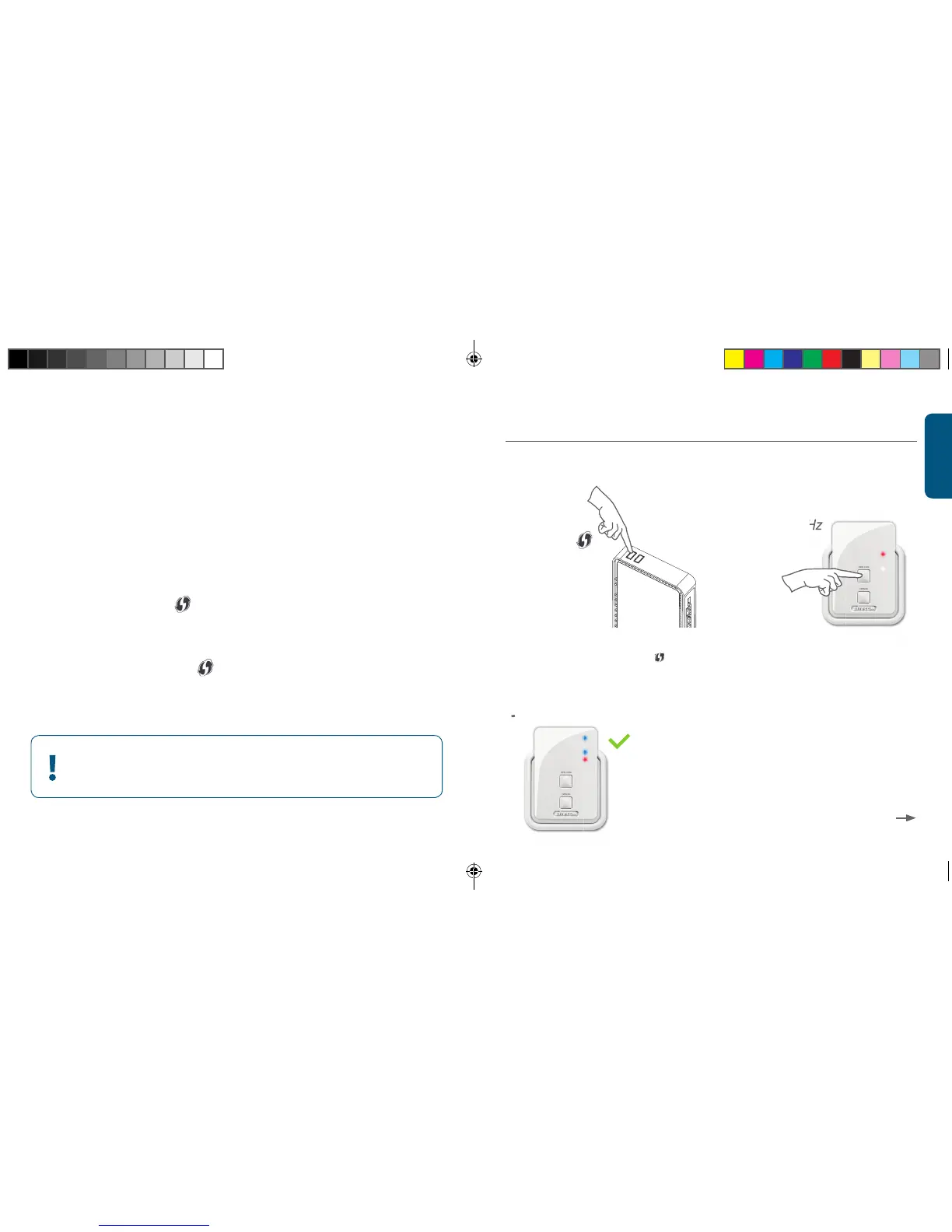
Router with OPS/WPS/ button = Push button-configuration
Option 2
Router without OPS/WPS/ button = Wizard-configuration
Configure the 2.4 GHz network
Configure the Range Extender close to the router.
You will position it in step 2
Choose an option:
A B
C
No Sitecom (Modem) Router?
Please refer to your (modem) router’s manual to find out
how to activate the 2.4 GHz OPS/WPS/ mode
Option 1
OPS / WPS/
OPS 2.4 GHz



 To Next Page