14 15
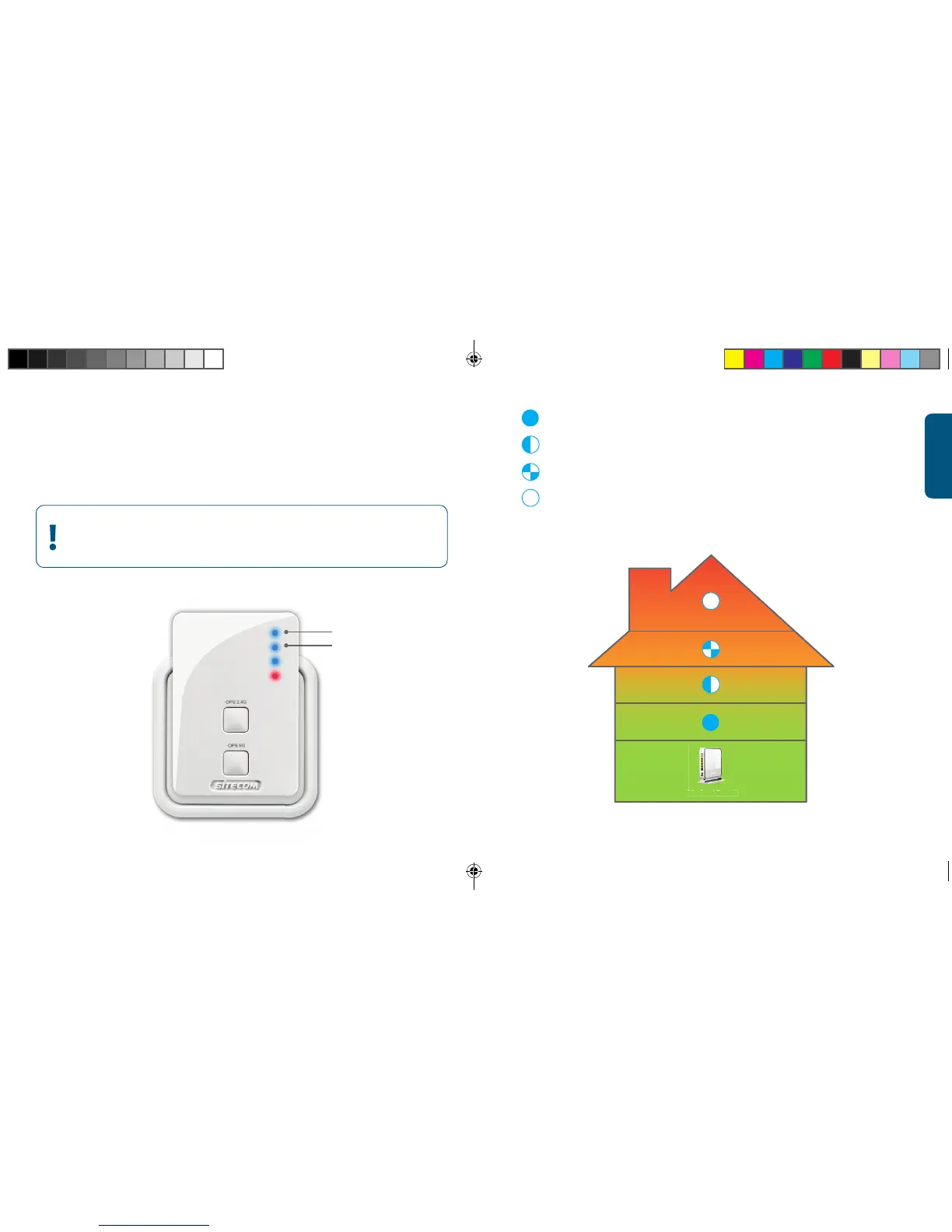
2.4 GHz-LED
5 GHz-LED
LED blue, solid = excellent signal
LED blue, blinking slow = good signal
LED blue, blinking fast = insu cient signal
LED Off = no signal, out of range
ENGLISH
Step 2
Range Extender positioning
(Modem) Router
Try different wall sockets and check the 2.4 GHz- and
5GHz-LED to find the best position with maximum range



 To Next Page