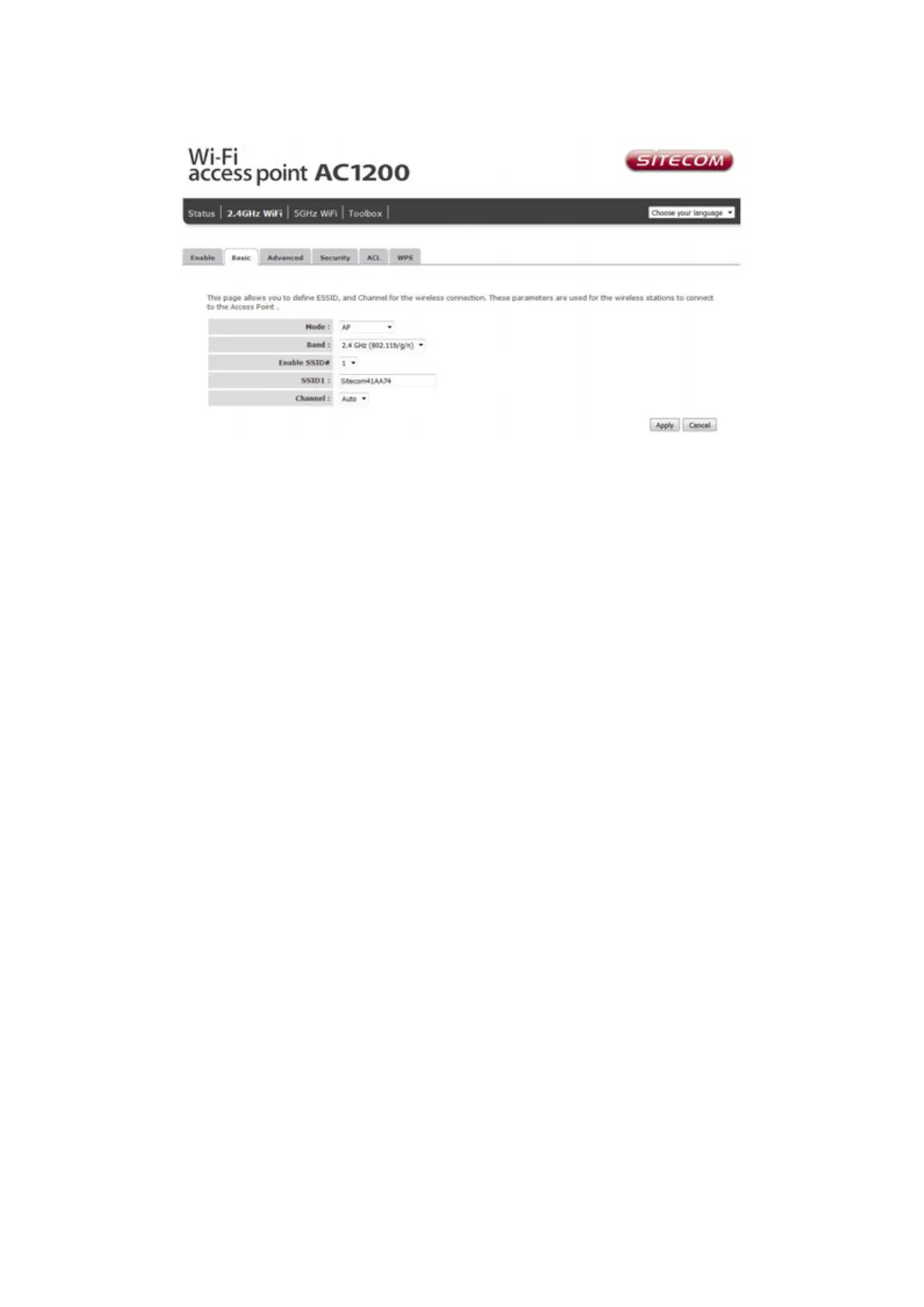
Basic Settings
Band Please select the wireless band you wish to use. By selecting a
different band setting, you’ll be able to allow or deny the wireless
clients on a certain band.
SSID Please input the ESSID (the name used to identify this wireless
access point) here. You can input up to 32 alphanumerical
characters. PLEASE NOTE THAT THE ESSID IS CASE SENSITIVE.
Channel Number Please select a channel number you wish to use. The channel
number must be same as the wireless access point you wish to
connect.



 To Next Page