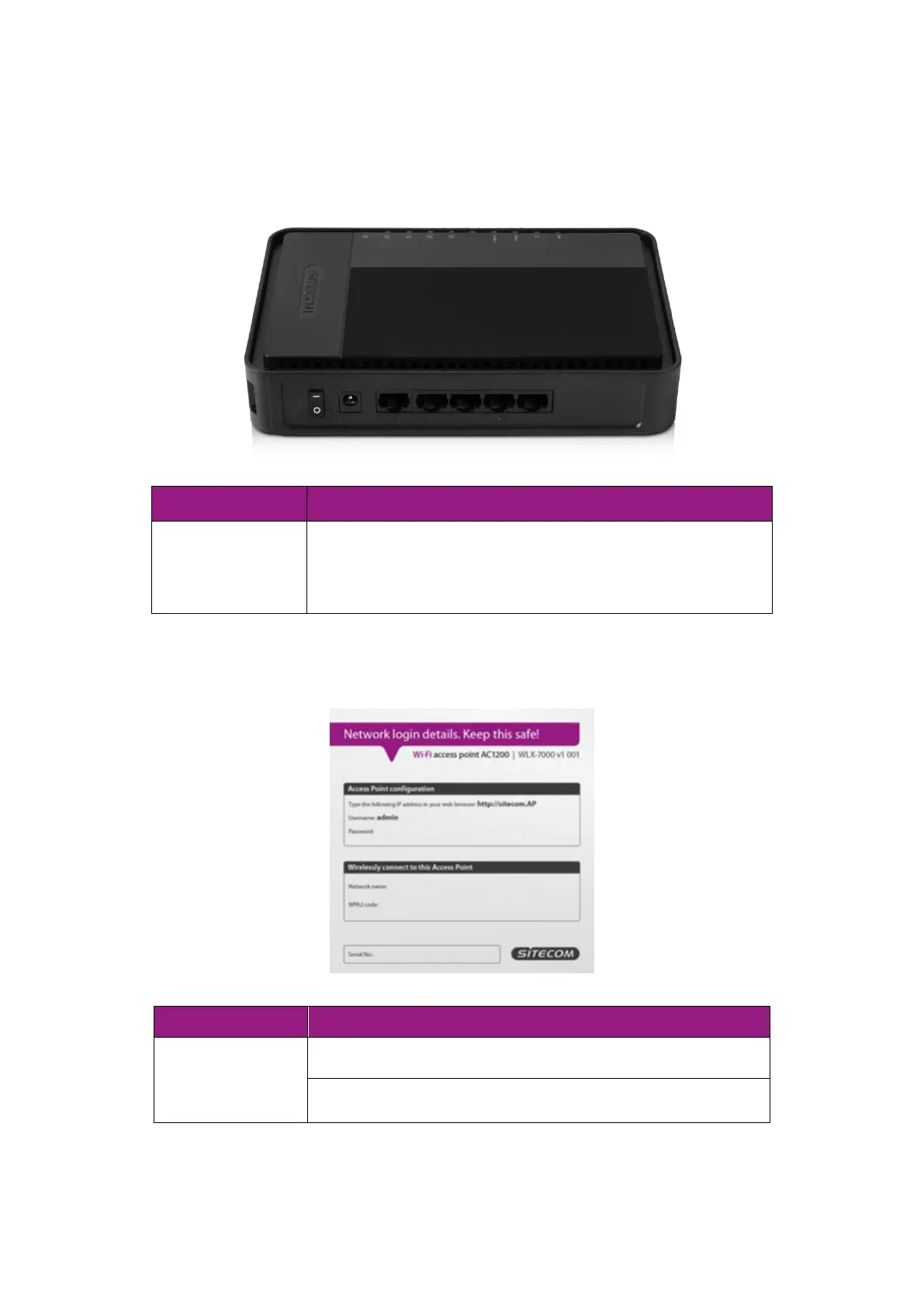
Product Layout
You can use this port to connect to a wired modem or
router to add wireless functionality. You can also use
these ports to connect additional wired devices.
Backlabel and Network Details Folder
The Network Details Folder describes the IP address, login details, network name,
security code and OPS button functionality.
Press 2 seconds for WPS/OPS mode
Press both buttons 15+ Seconds to reset to factory
defaults.



 To Next Page