Using Textured Impressions
™
,
Texture Fades
™
and Texture Trades
™
Embossing Folders
Using DecoEmboss™ & Embosslits™
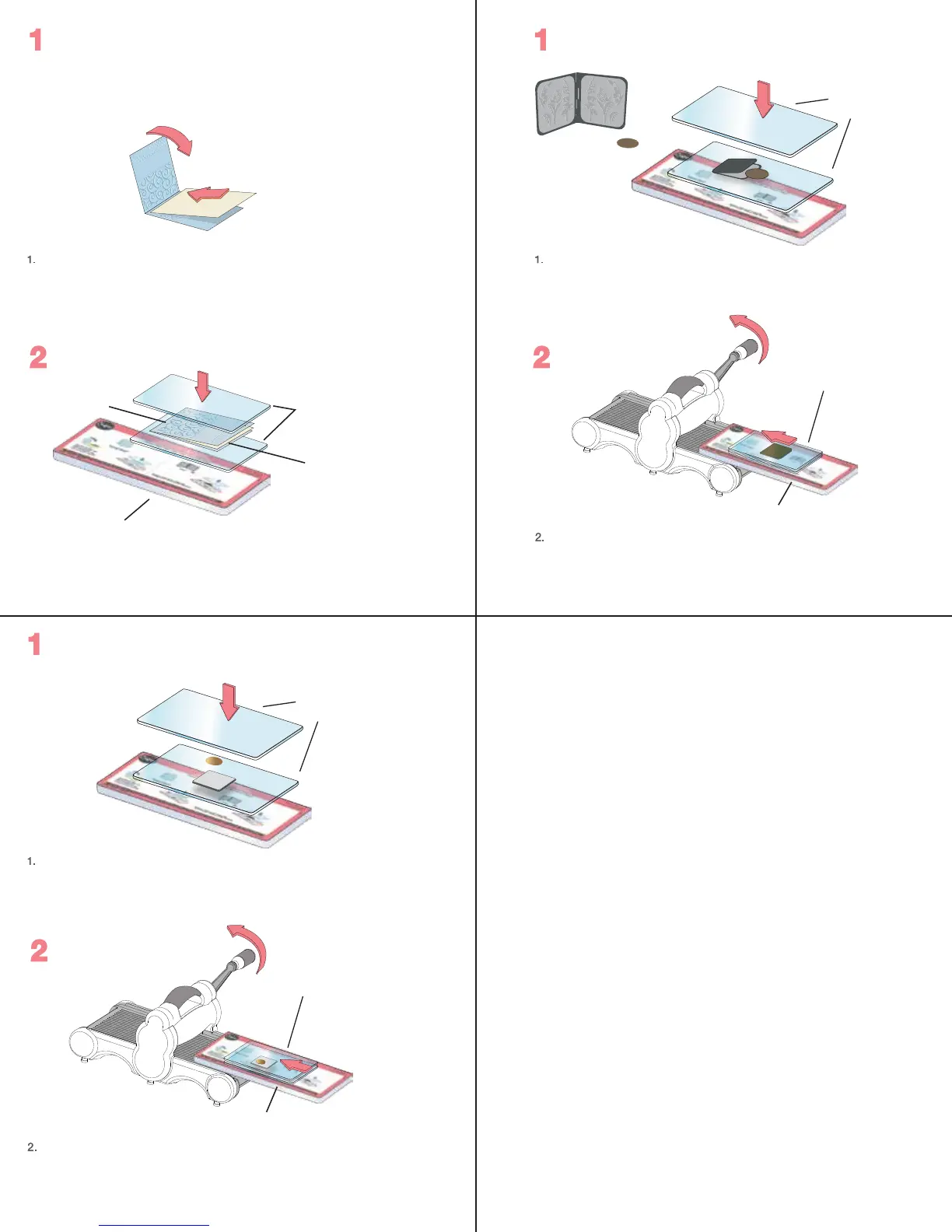
With Textured Impressions, Texture Fades and Texture
Trades Embossing Folder, insert Veg Tan Leather, foil, craft
metal or other embossable material, then close like a book.
With the DecoEmboss Die open, insert a metal blank (26
gauge or thinner), then close like a book. Place Cutting Pad
above and below the closed Folder to create a “sandwich.”
Cutting
Pads
Cutting
Pads
Textured
Impressions
Embossing
Folder
Single Sheet
of Veg Tan Leather
or Craft Metal
“Sandwich”
Using a single
sheet of Veg
Tan Leather or
craft metal
DecoEmboss™
Metal emboss
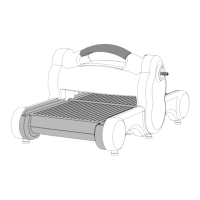
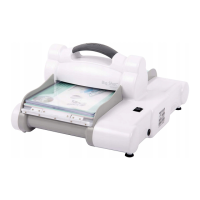
Slide “sandwich,” Platform and Shim into the roller
opening as far as it will go. Note the rotation of the handle
and continue to rotate it in the same direction until the
Platform and “sandwich” have completely passed through
the opening and the rollers.
Extended Platform
Extended Platform
Textured Impressions
Embossing Folder
Place DecoEtch Die onto a Cutting Pad with foam side up.
Place metal blank (26 gauge or thinner) on the die. Place
another Cutting Pad over the blank to create a “sandwich.”
Place “sandwich” on Solo Platform and Shim.
Metal emboss
Using DecoEtch™
“Sandwich”
Slide “sandwich,” Platform and Shim into the roller
opening as far as it will go. Note the rotation of the handle
and continue to rotate it in the same direction until the
Platform and “sandwich” have completely passed through
the opening and the rollers.
Extended Platform
Cutting
Pads
PAGE 2


 To Next Page