11. System configuration
Pump settings => Pump settings => Lube Control => Lube Control Mode => Sensor at Pump Set.
Step Key Display Description
Sensor at Pump Set. The pump sensor is specified in this menu
3.2
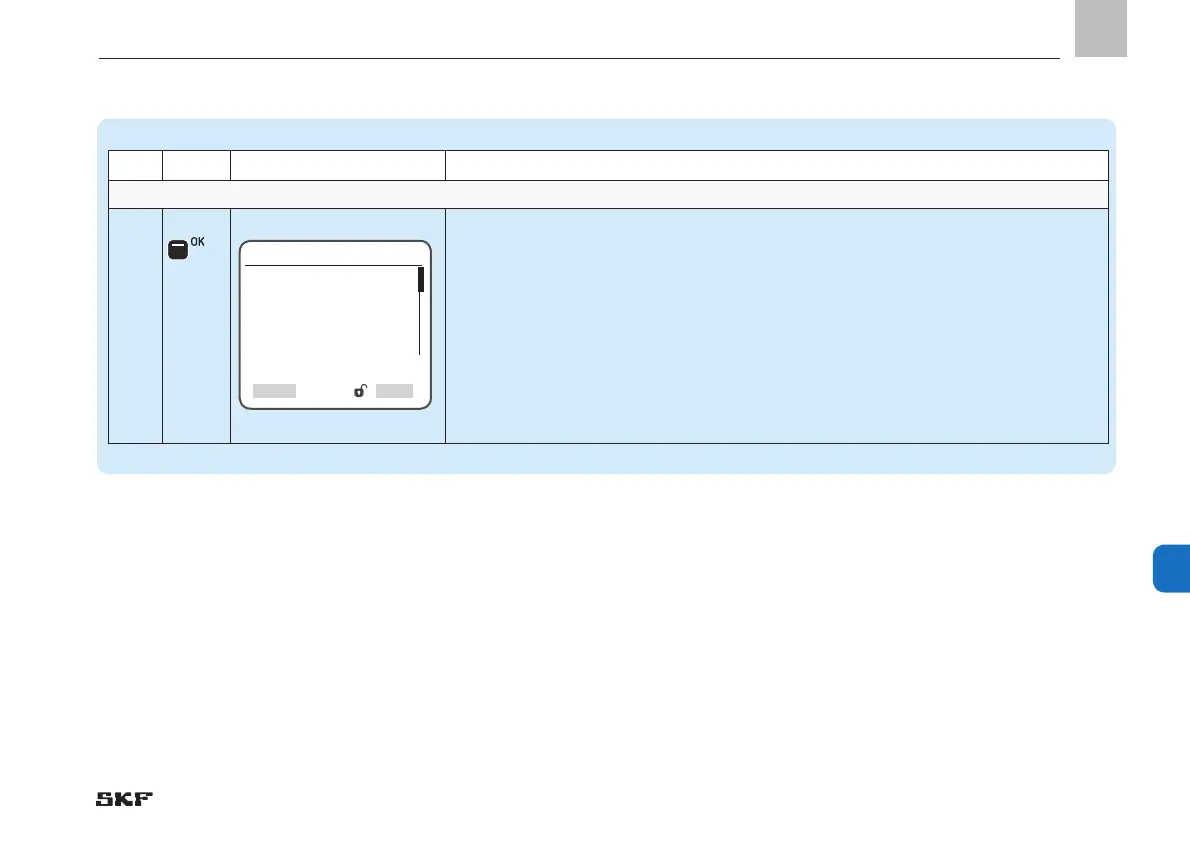
• Press <OK control key>
)You will enter the Sensor at Pump Set. menu
)The following settings are available:
o disabled
o [transducer 1-6 V] [transducer 4-20 mA] [transducer 0-20 mA][transducer 2-10 V]
o normally closed
o normally open
Sensor at Pump Set.
Sensor Type
[normally open]
Input
[1.00 ] DI
SelectBack
EN
109
11


 To Next Page