6. Configuration by operator/local admin
User settings
Step Key Display Description
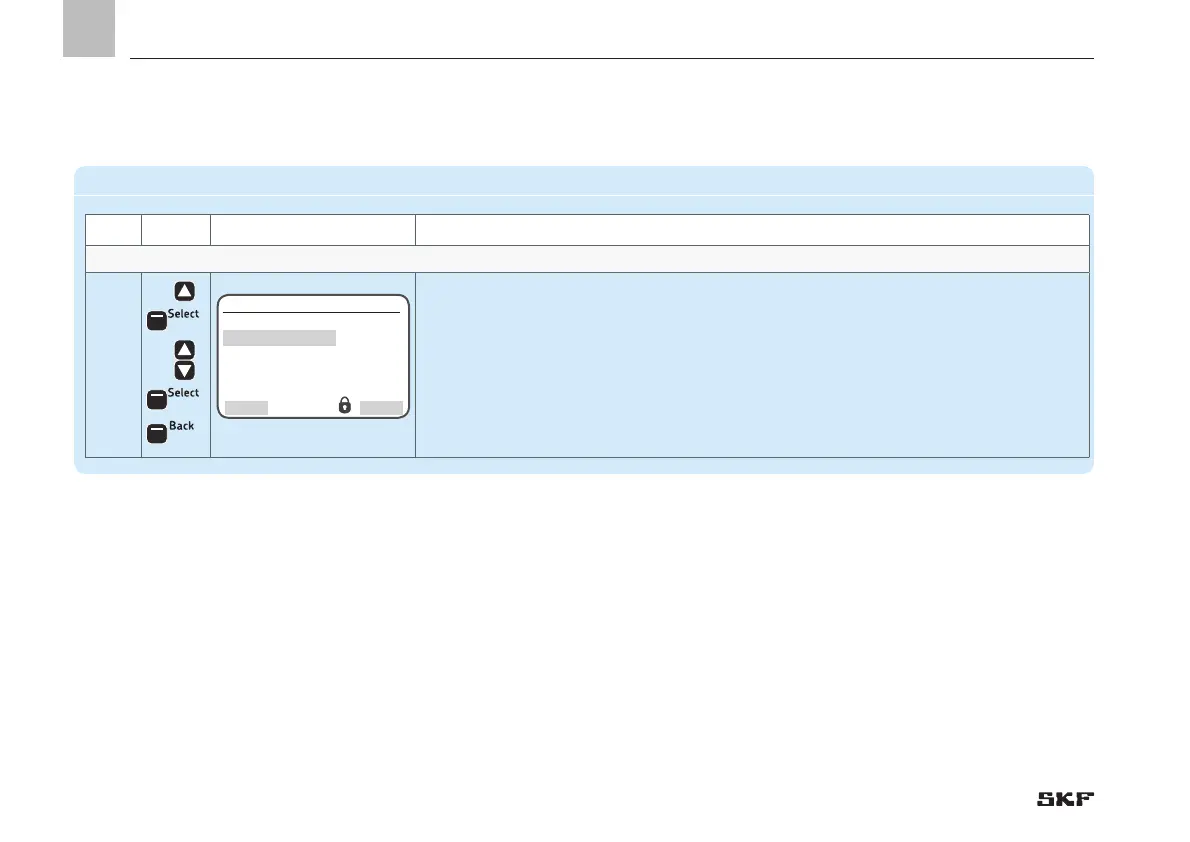
User settings - Set units and menu language
4
• Use <up arrow key> to select the Unit Settings menu item[Imperial/Metric]
• Press <Select control key>
• Use <down/up arrow key > to select Input Settings[Imperial/Metric]
• Press <Save control key>
• Press <Back control key>
)You will return to the User settings menu
User settings
Unit Settings
[metric ]
Language
[Deutsch ]
Back
Select
EN
52


 To Next Page