30
SKF TKTI 21 & 31
• Format
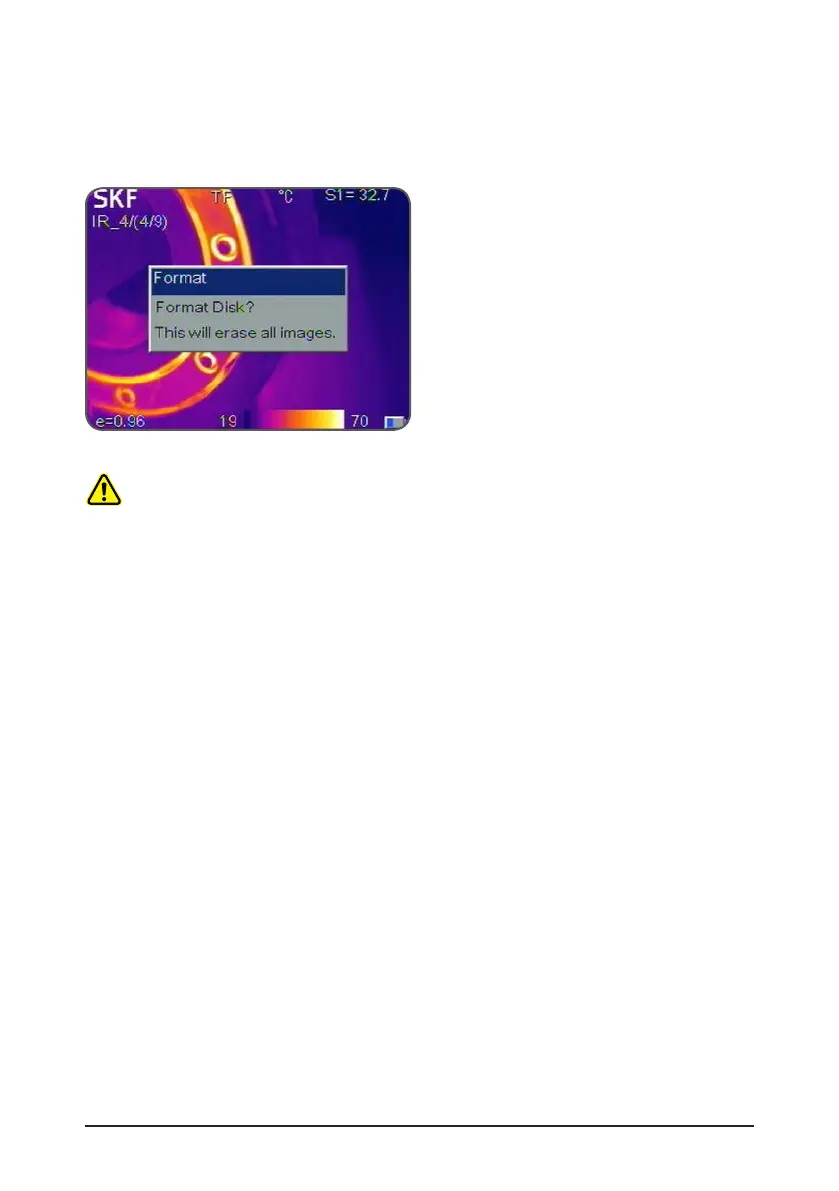
Format is used for formatting the memory card.
Select File->Format to pop up the below dialog box.
Press the Okay button to erase all images from the memory card.
Press the C button to cancel.
Figure 32 Formatting
CAUTION:
Before formatting, make sure all files are not required or are already backed up.
Data cannot be recovered after formatting.
When formatting the memory card on a PC, please use the FAT16 format.



 To Next Page