4
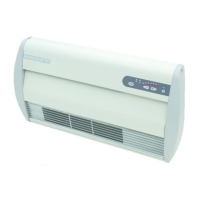
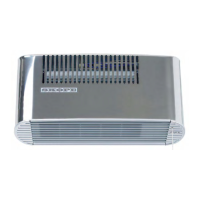
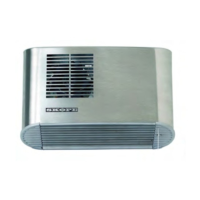
SKOPE Surface and Recessed Wall Fan Heater
Installation and Operating Instructions
Basic Operation
Air is drawn into the heater through the top inlet by a tangential fan,
blown over heating elements and then blown out through the bottom
louvred grille into the room.
The heater is controlled by an electronic controller, incorporating an
electronic thermostat. This controller enables the fan to operate, or
enables fan-forced heat which can be thermostatically controlled.
•To start or stop the heater, press the POWERbutton.
To set the thermostat:
To set the electronic thermostat at the required setting, press the
selector buttons as follows:
•To DECREASE the temperature setting, press thebutton.
•To INCREASE the temperature setting, press thebutton.
The temperature indicators above the selector buttons will be lit to
indicate the temperature setting. When two adjacent red indicators are
lit, this indicates the temperature setting selected is between two
settings.
When only the first red temperature indicator is lit, the heater will run on
continuous LOW heat. When only the last red temperature indicator is
lit, the heater will run on continuous HIGH heat.
Operation Modes
Your SKOPE heater has two selectable modes of operation:
1. Normal Mode: This is the default factory mode. In this mode the
heater will operate as a conventional heater with no timer
functionality.
2. 3-Hour Timer Mode: In this mode the heater works on a 3-hour
countdown timer that shuts the heater off after 3 hours of
operation (see page 10 for details). The Freeze Guard function
will still operate normally, with no time restriction, even if the 3-
Hour Timer mode is enabled.



 To Next Page