EasyManua.ls Logo

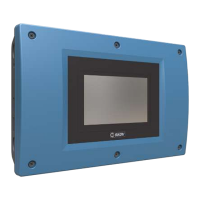
Skov DOL 34H - User Manual

Default Icon
2 pages
Print Icon
To Next Page IconTo Next Page
Loading...
Udskiftning af tastaturfolie
Replacement of keyboard foil
Auswechslung von Tastaturfolie
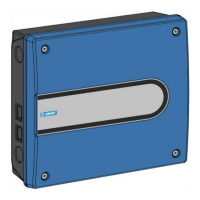
Figur/Figure/Abbildung 1
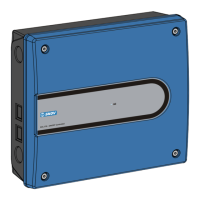
Figur/Figure/Abbildung 2
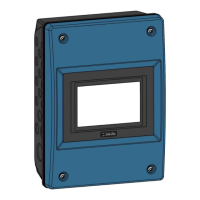
Figur/Figure/Abbildung 3
Udskiftning af tastaturfolie
Teknisk brugervejledning
Replacement of keyboard foil
Technical User’s Guide
Auswechslung von Tastaturfolie
Technische Bedienungsanleitung
Gennemsigtig flap
Transparent flap
Durchsichtige Plastik
Question and Answer IconNeed help?

Do you have a question about the Skov DOL 34H and is the answer not in the manual?

Summary

Replacement of Keyboard Foil

Disassembly and Preparation

Steps for disconnecting power, opening the unit, and removing internal components.

Foil Replacement Procedure

Instructions on removing the old keyboard foil and attaching the new one.

Reassembly and Finalization

Steps for reassembling the unit and reconnecting power.

Summary

Replacement of Keyboard Foil

Disassembly and Preparation

Steps for disconnecting power, opening the unit, and removing internal components.

Foil Replacement Procedure

Instructions on removing the old keyboard foil and attaching the new one.

Reassembly and Finalization

Steps for reassembling the unit and reconnecting power.

Skov DOL 34H Specifications

General IconGeneral
BrandSkov
ModelDOL 34H
CategoryControl Systems
LanguageEnglish

Related product manuals