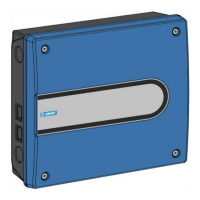
DOL Extension Box
Technical User Guide 7
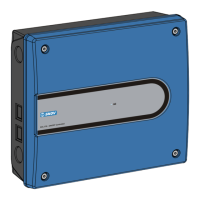
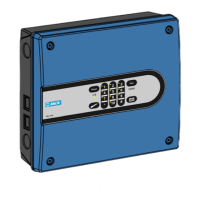
Extension box with 1 x I/O module (136470)
1. Connect the flat cable plug from I/O module 1 in the controller to I/O module 2 in the extension box (A)
2. Set the jumper OFF/ON (C) on the controller I/O module 1 to OFF.
3. Set the jumper OFF/ON (D) on the extension box I/O module 2 to ON.
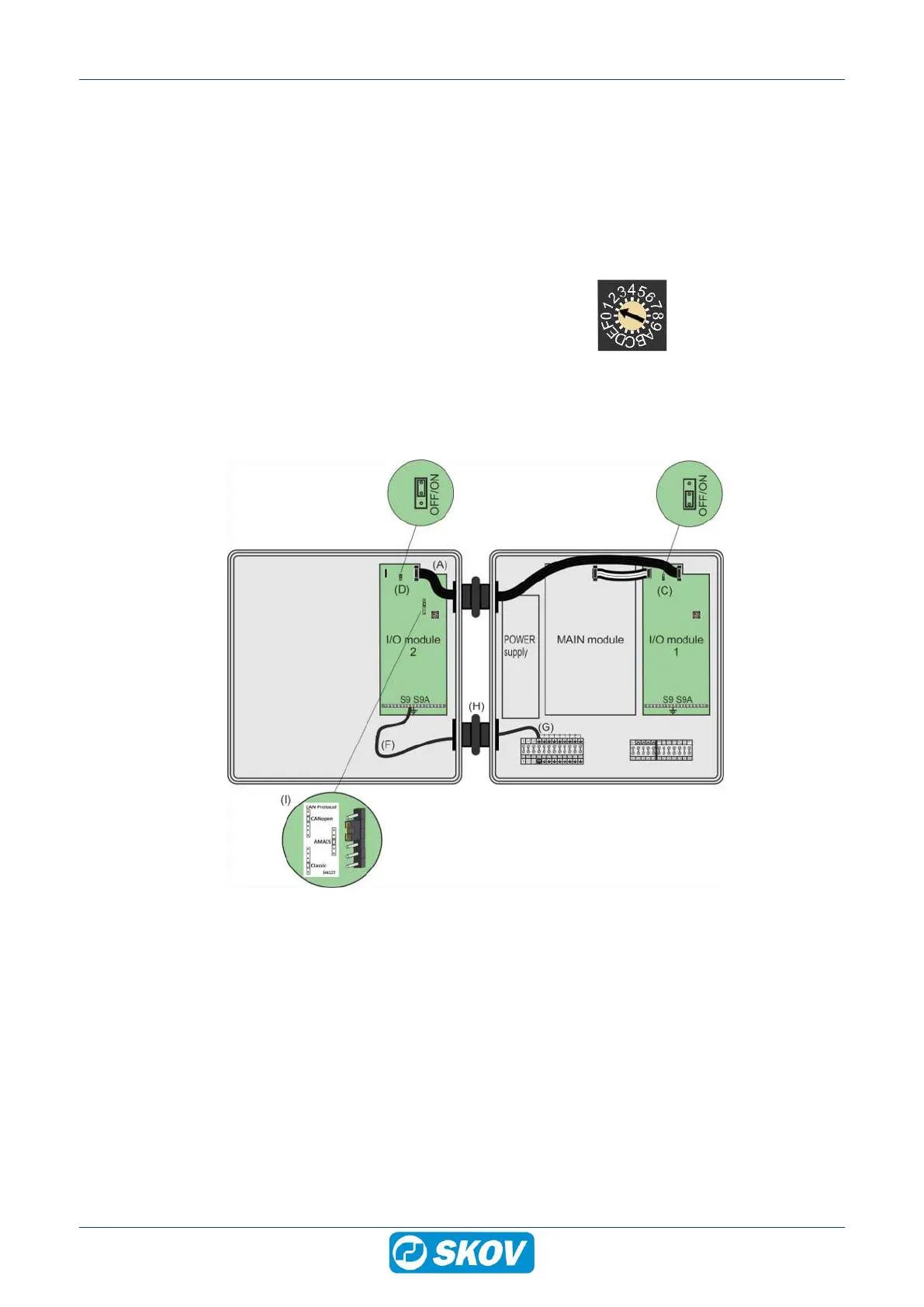
Set the rotary switch of the I/O modules as follows:
I/O module 1
I/O module 2
Address = 1
Address = 2
1. Connect the extension box earthing contact (F) to the earthing contact of the controller (G).
2. Route the ground cable through the lower rubber sleeve (H).
3. Set the CAN protocol jumper (I) as the main module. Set the CAN protocol jumper on the I/O module to
Classic if there is no jumper on the main module.


 To Next Page