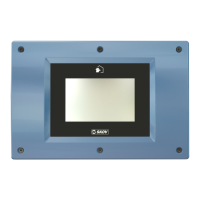
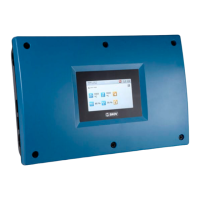
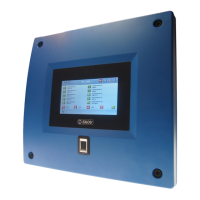
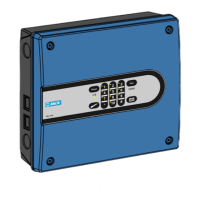
DOL Extension Box
8 Technical User Guide
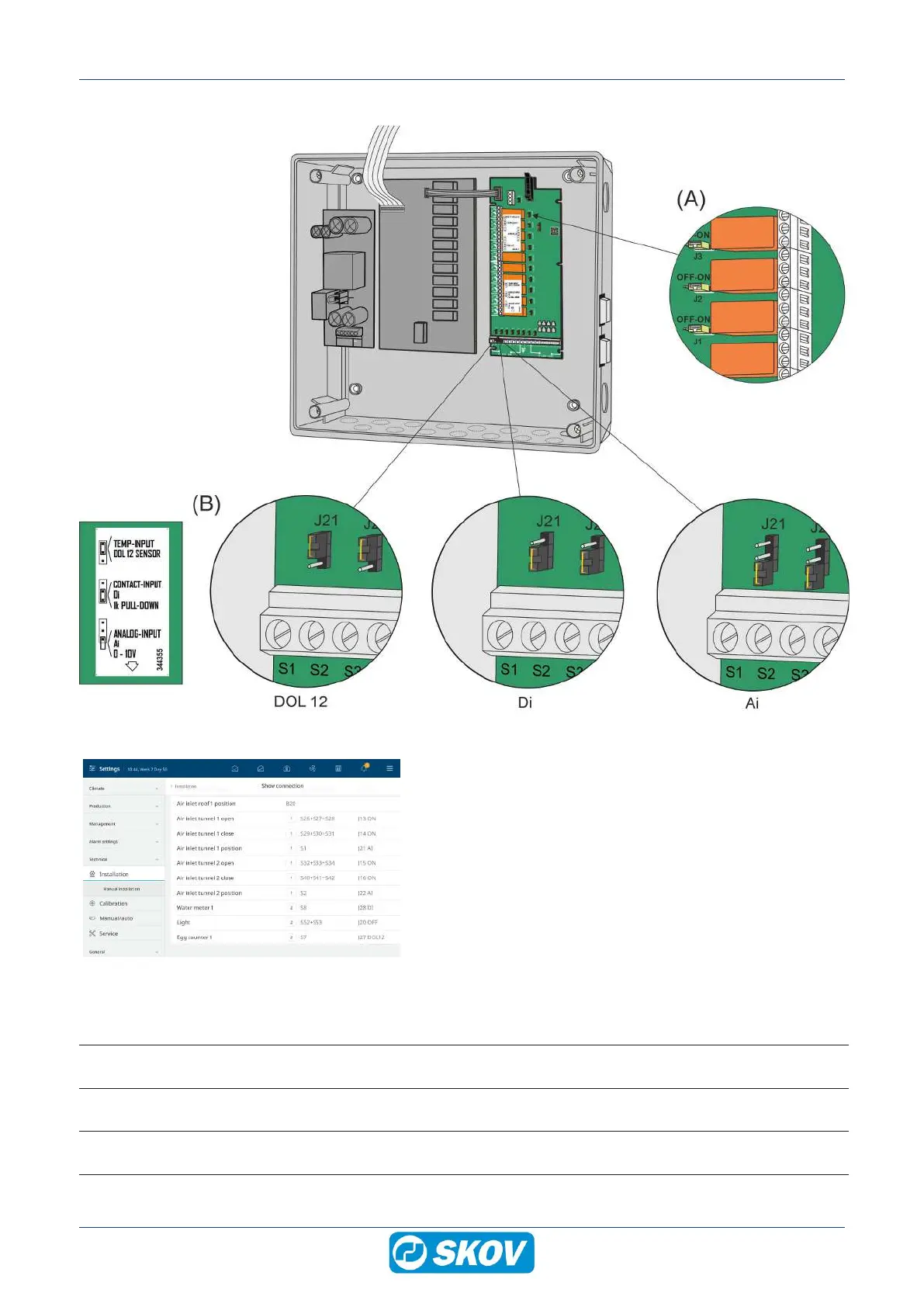
Jumper setting
1. Adjust the jumpers (A) and (B)
ON = Emergency opening can override relay so inlet opens.
OFF = Factory setting. Emergency opening cannot override re-
lay.
AI = Analog input.
DI = Digital input
DOL 12= DOL 12 input
0-10 V inputs on the I/O module are set to:
Setting Application Placement
TEMP-INPUT
DOL 12 SENSOR
Temperature sensor input DOL 12 Topmost 2 pins
CONTACT-INPUT - Di
1k PULL-DOWN
E.g., water meter (digital input)
(pull down resistance = ON)
Lowermost 2 pins
ANALOG-INPUT - Ai
0 – 10V
E.g., humidity sensor (0-10V input)
(pull down resistance = OFF)
Lowermost 1 pin, or remove
the jumper.


 To Next Page