PAIRING HELP:
If you ever have an issue pairing your earbuds, follow these steps:
1. Unpair the buds from your phone or device.
2. Touch and hold the main button on each bud for 6 seconds to manually turn them
both off.
3. Touch and hold the main button on each bud for 10 seconds to completely reset
them (this will power them on and off again).
4. Place buds back in the case until both LEDs show red, and then remove from case.
Both buds will automatically power on and the LEDs will flash blue while they sync to
each other.
5. A tone will indicate when the buds have synced. The LED on the left bud will flash
blue and red and a voice will say "pairing" when the buds start connecting to your
phone or device.
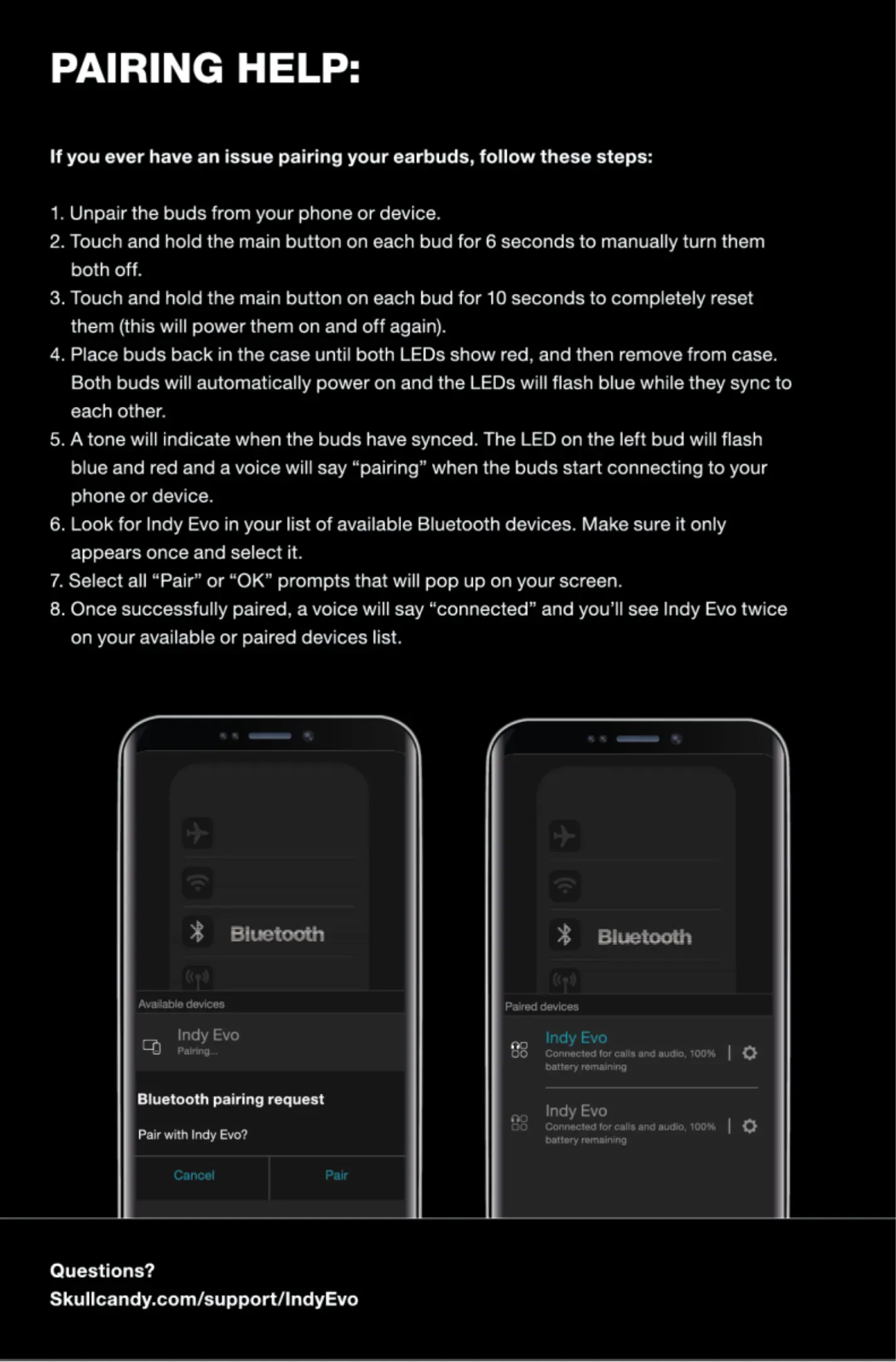
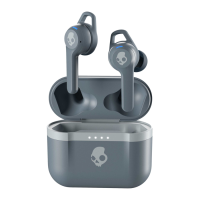
6. Look for Indy Evo in your list of available Bluetooth devices. Make sure it only
appears once and select it.
7. Select all "Pair" or "0K" prompts that will pop up on your screen.
8. Once successfully paired, a voice will say "connected" and you'll see Indy Evo twice
on your available or paired devices list.
Biteto«tt
Indy Evo
Bluetooth pairing request
Pair with Irriy Evo?
Questions?
Skullcandy.com/supportnndyEvo
Indy Evo
Indy Evo


 To Previous Page