
 Need help?
Do you have a question about the Sky LINK and is the answer not in the manual?
Turn off your SKY box and locate the required power and Ethernet cables.
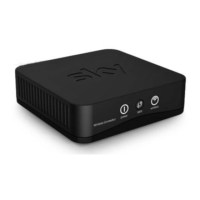
Plug the Ethernet cable into your MY SKY box and SKY LINK, then connect the power cable.
Switch on the SKY LINK, wait, then turn on your MY SKY box and press the SKY button.
Access setup via remote, select Internet Connection, and choose your wireless network.
Input your network password using the remote's keypad, paying attention to case sensitivity.
Verify connection status shows 'OK' for Local Area Network and Wide Area Network.
Access the On Demand screen from the top menu to view available titles.
Select a show, press select, and follow on-screen prompts to download to your planner.
Learn the meaning of the power and wireless lights on the SKY LINK connector.
Troubleshoot power light, wireless connection, and on-demand screen problems.
Follow warnings and cautions for safe operation, handling, and environmental conditions.
 General
| Brand | Sky |
|---|---|
| Model | LINK |
| Category | Cables and connectors |
| Language | English |

 To Next Page