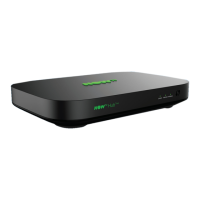
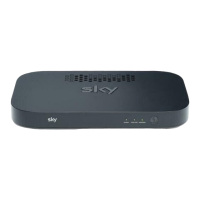
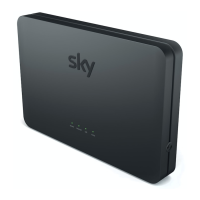
How can I access my NOW TVHub’s control panel?
You can control a variety of settings in your NOW TVHub’s control panel such
as changing your network name and password.
To log into your NOW TV Hub’s control panel via your internet browser:
•
In the address bar of your browser type http://192.168.0.1/
•
The username is admin
•
The password is nowtv unless you’ve changed it
Access control panel
12
How do I reset to factory settings?
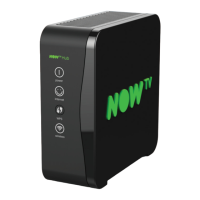
Ensure your NOW TV Hub is plugged in at the
mains and switched on. Then, press and hold
the reset button on the back of the device until
the power light begins to ash amber. This can
take approx. 10 seconds.
Don’t unplug or switch o your NOW TVHub
while it resets. The power light will ash amber
then will return to solid white when nished.
Resetting your NOW TV Hub
RESET


 To Next Page