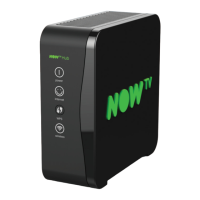
4. Plug in your NOW TV Hub
4
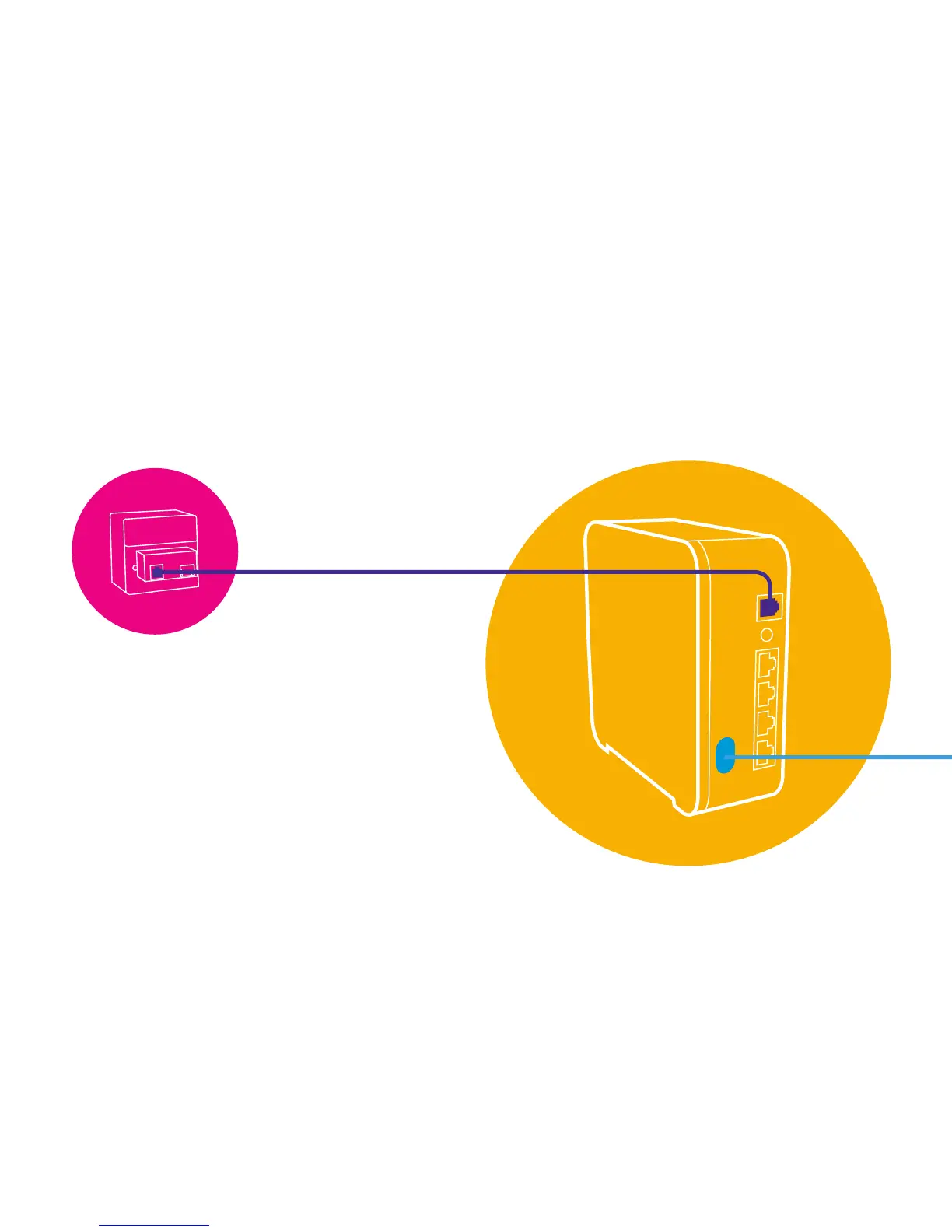
1. Plug the NOW TV Master Microlter into your master phone socket.
If you’ve already removed a phone cable, or splitter, plug it back into the
port marked ‘Phone’.
Help on page 12
For the best results leave your NOW TV Hub switched on all the time.
2. Plug one of the purple ends of
the grey DSL cable into the purple
port of your NOW TV Master
Microlter.
Plug the other purple end into the
purple port of your NOW TV Hub.


 To Next Page