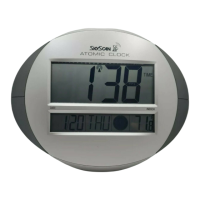
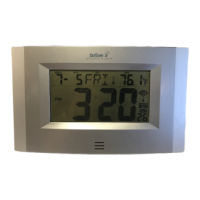
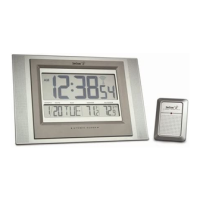
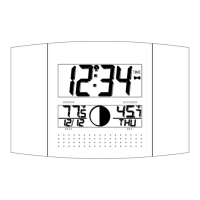
1. Synchronization signal reception can be received in Continental USA only. In
other areas, you can still use this clock by setting the time manually.
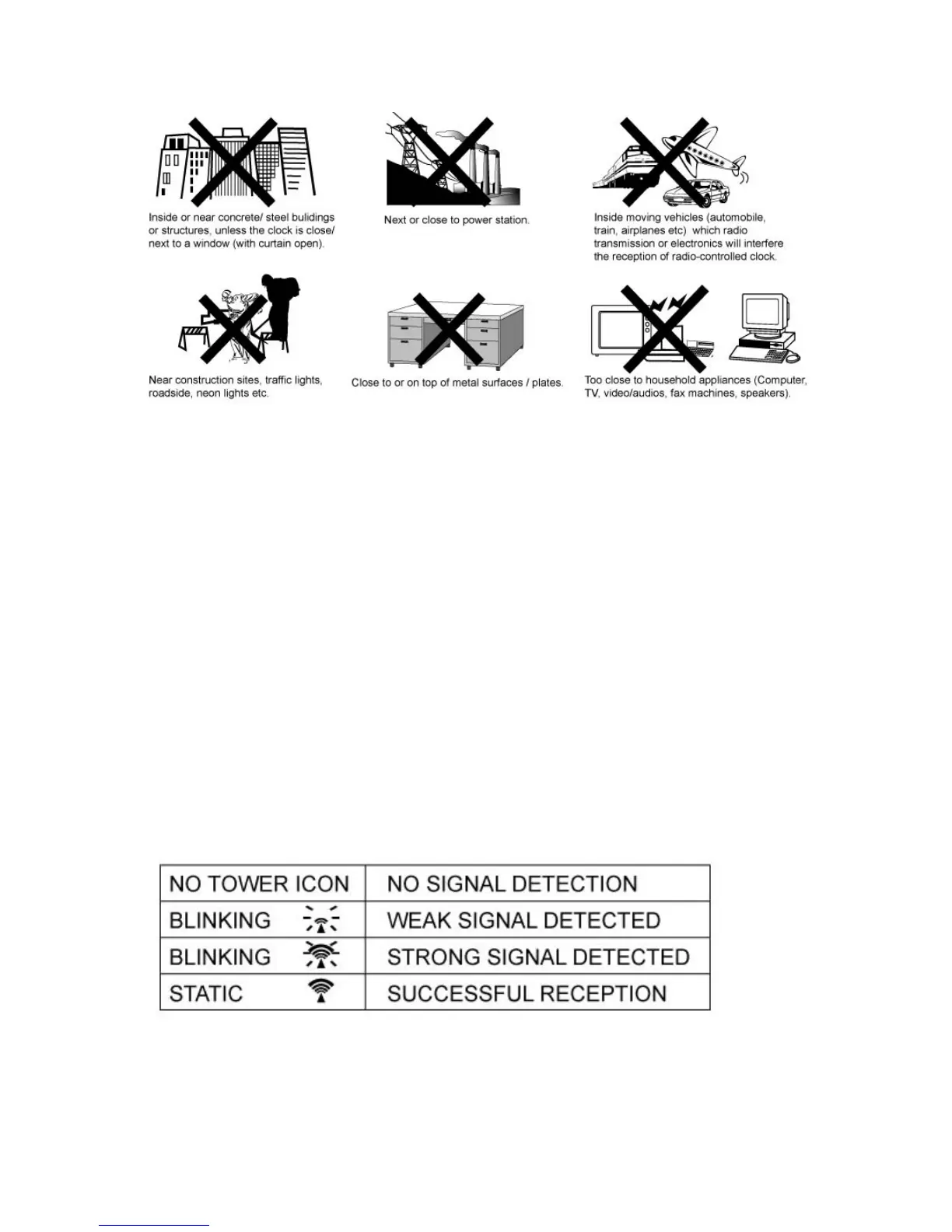
2. Place your dock at a location with optimal signal, i.e.: close to a window away
from metal surfaces or electrical appliances
TO START THE CLOCK
Remove the round battery cover at the rear of the case. Insert 4 new "AA" alkaline
batteries by observing the correct + and - battery polarity. Replace the battery cover. The
LCD shows default setting of time and calendar at 12:00 AM, January 1st, 2005 (Eastern
Standard Time).
Atter the dock is powered up, the WWYB time code reception will automatically start
with the icon blinking. The clock will automatically update itself to the exact time, day,
and date after receipt of the WWVB time code. This typically takes over night. Once a
successful code is received, the radio reception icon will appear on the front display. The
clock will automatically attempt to receive the WWVB signal every night at 1 :00 am,
3:00 am, and 5:00 am.


 To Next Page