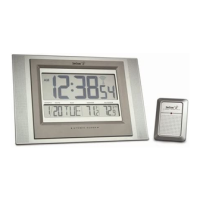
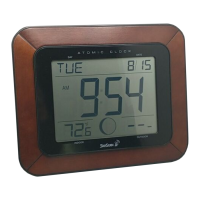
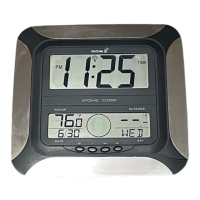
MANUAL SETTINGS
Note:
If the Atomic Clock has already successfully received the WWVB time signal and displays the correct time
and date, then the Manual settings can be omitted.
After completion of the above described procedures in “Setting up” the manual setting modes can be entered by
pressing the SET key. The following settings can now be programmed:
Time zone setting
DST ON/OFF
Language display setting
Manual time setting
Year setting
Month setting
Date setting
Weekday setting
12/24 hour time display setting
ºC or ºF setting
TIME ZONE SETTING
After entering the manual setting mode as described above, the time zone can be set between the –1 to –12 hour or
Greenwich Mean Time (GMT) range in LCD2. To do this:
OR
1. The time zone (LCD2) will start flashing (Default setting "-5h“). Select the desired time zone by use of the +
key.
Note: The time zones from –4 to –10 hours will be displayed with 3 characters abbreviations:
-4 ATL (Atlantic time),
-5 EST (Eastern time; default time zone),
-6 CST (Central time),
-7 MST (Mountain time),
-8 PST (Pacific time),
-9 ALA (Alaska time),
-10 HAW (Hawaii time).
"GMT” will be displayed if set to GMT (0).
2. Press the SET key to enter the “DST Setting“.
DST SETTING (daylight saving time)
1. The ON digit will start flashing on LCD1. Set the DST ON or OFF by pressing the + key.
2. Press the SET key to enter the “Language Setting“.
Note:
The DST default is “ON”, meaning that the WWVB will automatically change the time according to Daylight
Saving Time in the spring and fall. For areas that do not recognize DST changes (Arizona and parts of Indiana) turn
the DST “OFF”.
LANGUAGE SETTING
The weekdays can be displayed in LCD1 with the pre-set languages: US English, French and Spanish.
1. Set the desired language for the weekday display in LCD 2 by use of the + key.
2. Press the SET key to enter the mode “Manual Time Setting”.


 To Next Page