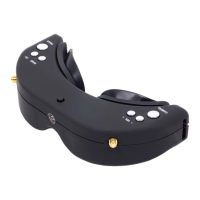
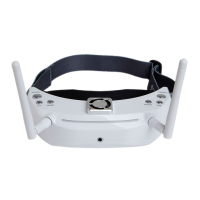
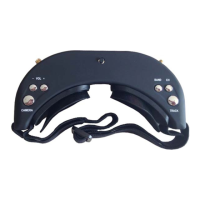
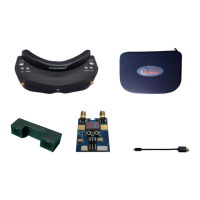
compatible to SKY201 and most of other transmitters. It supports 4 Bands and total 32channels (Bands
selection and Resulting Frequencies see details in Specifications)
Quick Start Guide
Preparation:
· Install the lens, lens hood, antennas and the TF card
· Connect the camera and transmitter and then power the transmitter and FPV goggles
· Short press <UP/DOWN> button to setup the same channel to the transmitter to view the image
· Pull the IPD Adjuster to adjust the inter-pupillary distance
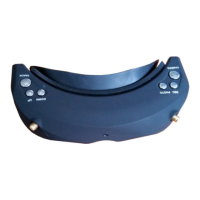
Buttons:
TRACK Button:
· Short press the Track button to reset the Head Tracker in the normal mode
· Long press MENU button 3 seconds to enter MENU setup
· Switch between the 4 main menu with this button in MENU setup
CHANNEL Button:
· Short press to add channel in 3D RF mode
· Short press to in 2D RF mode,multiple press for loop adjustment
· Long press 3 seconds to turn up the volume in 3D RF、2D RF、AV IN、PLAYBACK mode
· It's up button in MENU setup
BAND Button:
· Short press to reduce channel in 3D RF mode
· Short press to adjust the band in 2D RF Mode, multiple press for loop adjustment
· Long press 3 seconds to turn down the volume in 3D RF、2D RF、AV IN、PLAYBACK mode
· It's down button in MENU setup
REC Button:
· Short press to start recording and press again to stop in 3D RF、2D RF、AV IN mode
· It's OK button in MENU setup
PHOTO Button:
· Short press to capture in 3D RF、2D RF and AV IN playback Mode
· It's ESC button in Menu setup
CAMERA Button:


 To Next Page