Quick Start Guide
1.Install the antenna and faceplate.
2.Use power cable to connect battery and the goggles, Goggles can power by 2~6cell lipo battery, hold
the power button to turn on.
3.Insert diopters if needed.
4.IPD adjustment: move the IPD slider until there is no double vision of the image.
Band and Channel setting
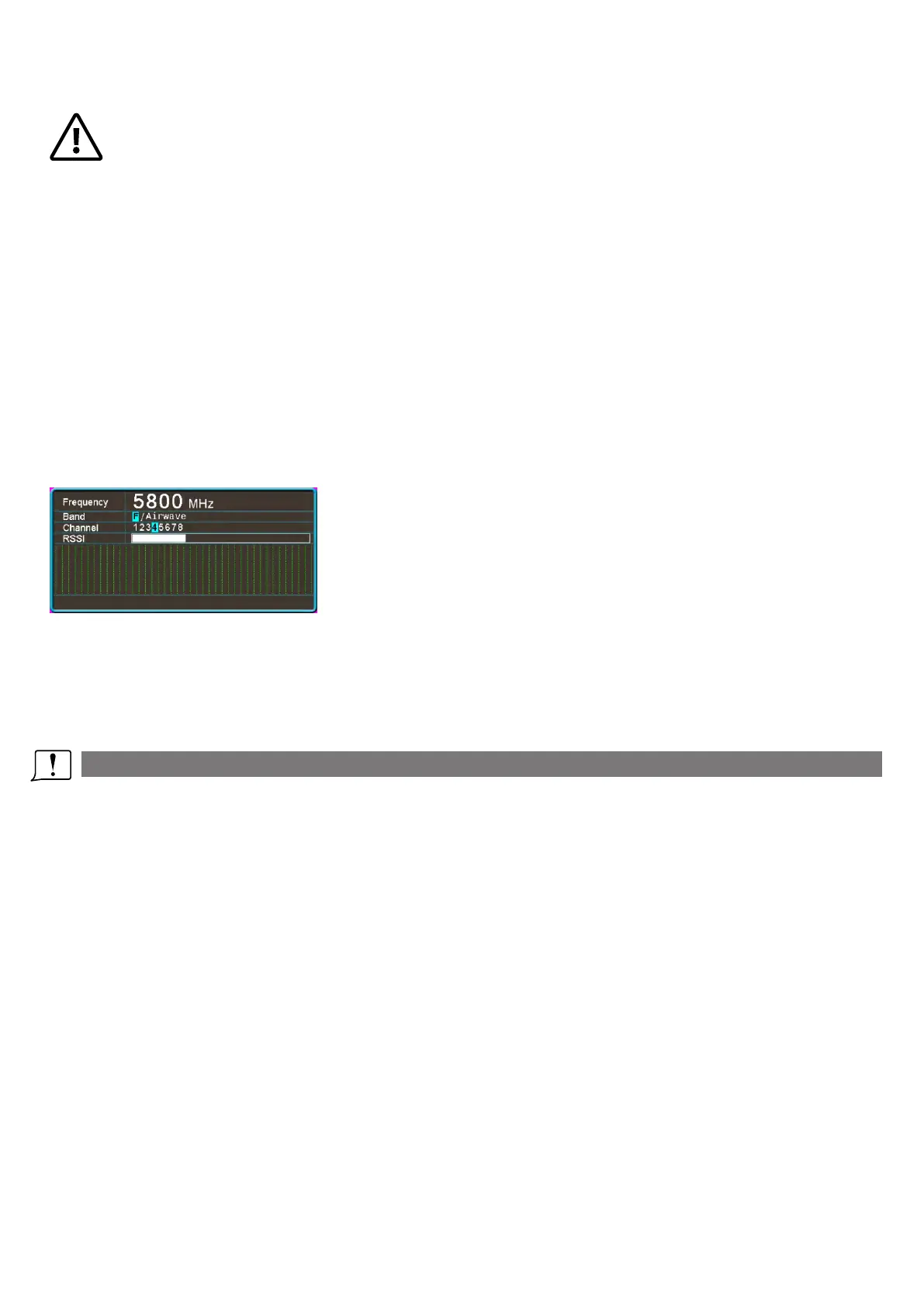
1. Press the Band button to change the Band. The osd bar will show band and channel.
2.Then press the Channel button to change the channel.
3. Hold the search button to pop up search menu, press the Search button again to start search, after
searching all the frequency, receiver will work on the strongest signal. Use rec and Mode button manually
select the channel, hold the search button to quit search.
Sometime the auto search channel is not accurate, user may need manually select the channel.
Diversity and Mix switch
Some camera didnt fllow standard PAL and NTSC, which make the receiver confusing in mix mode,
caused the rolling image. Short press the Search button to switch to diversity mode to solve the rollling
image issue.
Volume Setting
·In all mode preview mode, hold Band and Channel button to adjust the volume.
·Volume setting is only effective on earbud. Not effective on AV OUT volume.
·System didn't save the volume setting, in case of the volume is too high in AVIN or RF mode.
DO NOT EXPOSE THE LENS DIRECT TO SUNLIGHT, OTHERWISE
THE SCREEN WILL BURN IN.
4


 To Next Page