and stable as long as possible. When hearing the sound of a "beep", the initialization is done.
·Hold menu button to reset the PPM signal to the center, goggles will beep when press the button.
·In menu, you may set PPM channels .
·Pan Tracking range: 180° (90° for left and right respectively), 120° (60° for left and right respectively),
90° (45° for left and right respectively), 90° as default.
·Tilt Tracking range: (60° for left and right respectively), 90°(45° for left and right respectively),
60°(30° for left and right respectively), 90° as default.
·Pan Correction: Via such setup, you may separately compensate the central deviation of Pan.
You may set it at 0~10 levels, and the actual compensation angle is related to the turning angle
of the cradle head.
·Tilt Correction: Via such setup, you may separately compensate the central deviation of Tilt. You may
set it at 0~10 levels, and the actual compensation angle is related to the turning angle of the cradle head.
PPM Reverse: <Normal> as default setup, <Pan> as the reverse of such channel, <Tilt> as the reverse
of such channel,<Pan & Tilt> reverse in two directions.
Image
In image setting menu, customer have standard, bright, vivid, soft and 3 customized Files to select,
Customer can adjust Brightness, Contrast, Saturation, Hue and Sharpness to suit different environment .
in 3 user 1/2/3, the image setting can not change in 4 pre-set files.
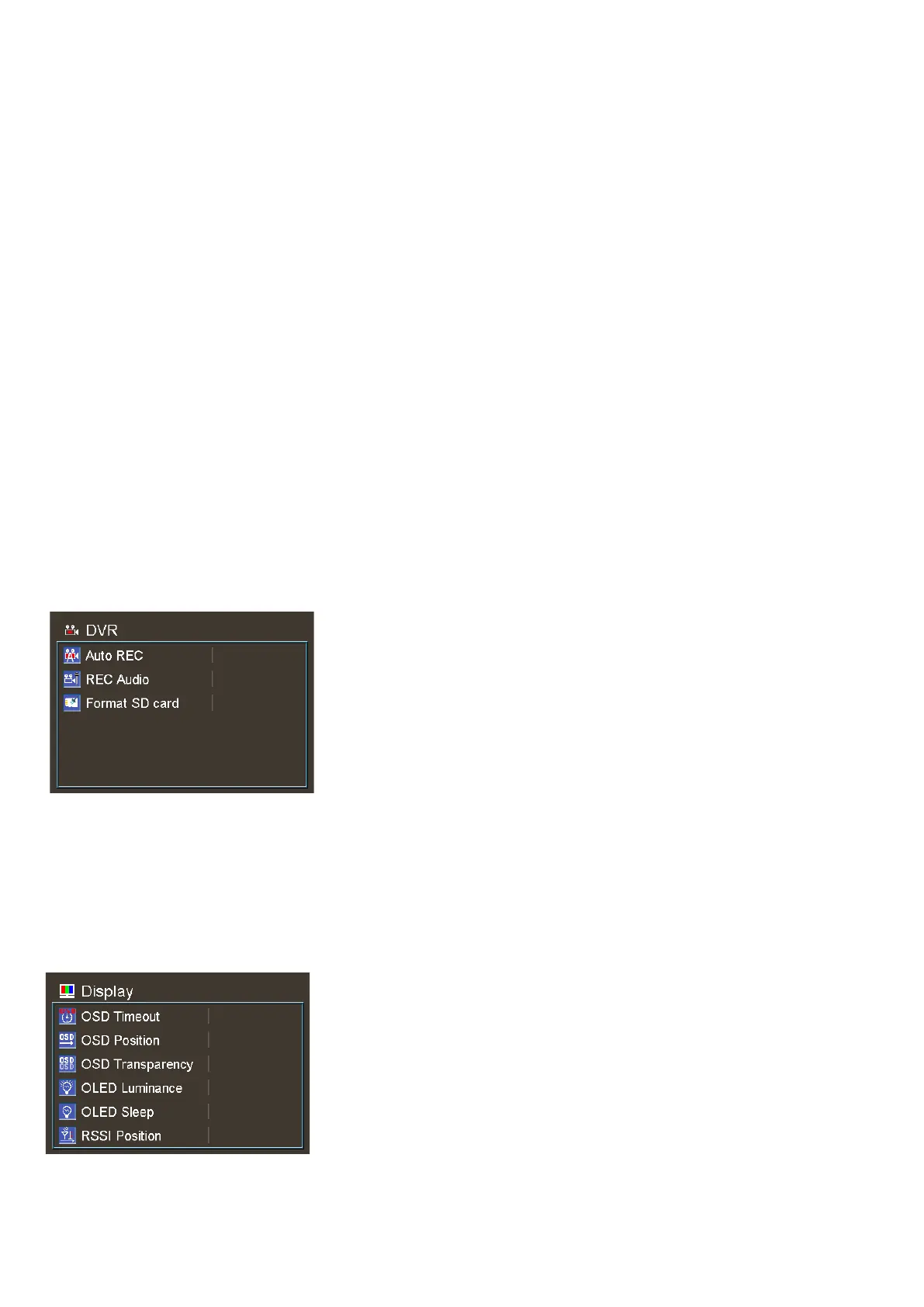
DVR
·AUTO Record, the DVR will auto record when goggles get image signal.
·R ec Audio, some VTX have micphone, enable the function can record the audio.
·Format SD card, SD card need format to FAT32 to recording, make sure backup the DVR. .
if the card is less than 0.5GB, DVR stop recording videos.
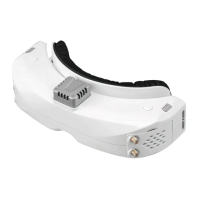
Display
· In Display setting menu, customer can set the topbar OSD time, turn off the time off, the OSD always on.
·The Luminance of the OLED screen and be adjust in the menu (8 stage, default is 5).Normally do not
set the brightness too high unless the image is dim. Due to the OLED's characteristic, excessive


 To Next Page