o I
/ /
~
\
\\
Always remove the Pan head when replacing the
Center column.
Remove the Center Column Base Stopper truning
to the way of arrow.
Loosen
the
Center
column
stopper
and
the
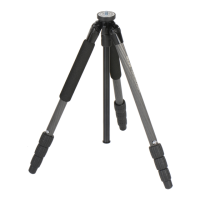
Locking collar, and then pull out the Center col-
umn.
Inverting the Center Column(Continued)
~Caution
./
/
/\,~,
r
Insert the Center Column from the lower side of
Main Body, and tighten the Locking Collar and
the Center Column Stopper.
Make
sure
to
re-attach
the
Center
Column
Base Stopper, in order to prevent the Center
Column from falling out.
By inverting the Center Column, it is possible to
do copy, and close up work.
Opening the Tripod legs
~Caution
Storage
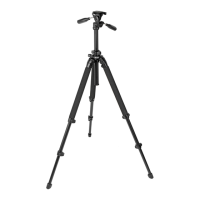
Be sure to open all three legs completely in
order
to prevent
camera
shakes,
or
accidental tip overs caused by unstableness.
Care of the Tripod
DO
NOT
apply any grease or oil to this product.
Clean with a mild detergent and a soft cloth only.
DO
NOT
use close to flame. Avoid extreme heat.
Remove the Vertical tilt handle from the Pan head, and screw into the
back of the Pan & Tilt handle.
Make sure the washer ring on the thread stays on with the handle.
Slik Corporation reserves the right to make changes in design and/or improvements on the products without any obligation and advanced notice.
SLiK CORPORATION
853 Kayama. Hidaka city, Saitama 350-1231, Japan Phone 81-42-989-2141, Fax. 81-42-985-0210 ©2007 Printed in Thailand.


 To Next Page