position to activate the RCA and 3.5mm stereo mini-jack input
source.
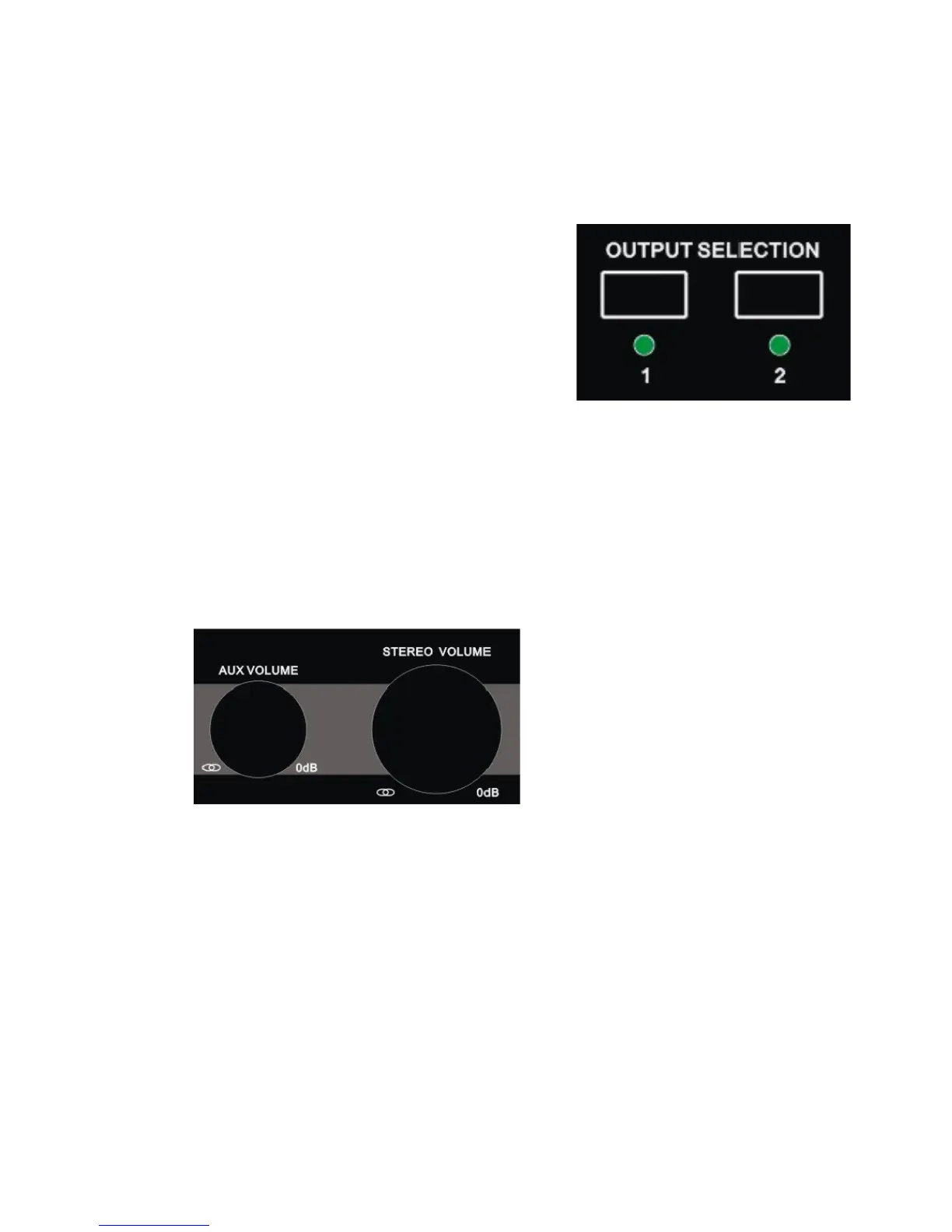
4.2 1&2 Output selector switch
The 1/2 output switch on the front
panel of the M-Patch 2 is for
selecting which desired output pair
(1 +/or 2) you would like to route
the audio signal to.
Simply change the position of the
switch to toggle between output
destinations.
* Note: If you have more than one pair of monitor speakers
you could create a perfect switching facility for toggling
between near-field and lager format active room monitors.
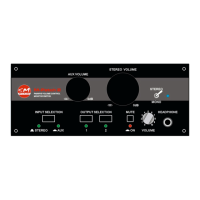
4.3 Input volume rotary attenuator controls
The Aux input volume rotary attenuator control on the front
panel of the M-Patch 2 adjusts the level of monitored output
signal for devices connected to the Aux inputs (either the RCA
or 3.5mm stereo min-jack) of the M-Patch 2.
The stereo input volume attenuator switch on the front panel
of the M-Patch 2 adjusts the level of monitored output signal
for devices connected to the stereo inputs (XLR combo
connectors) of the M-Patch 2.


 To Next Page