4.3 Eye tracker calibration
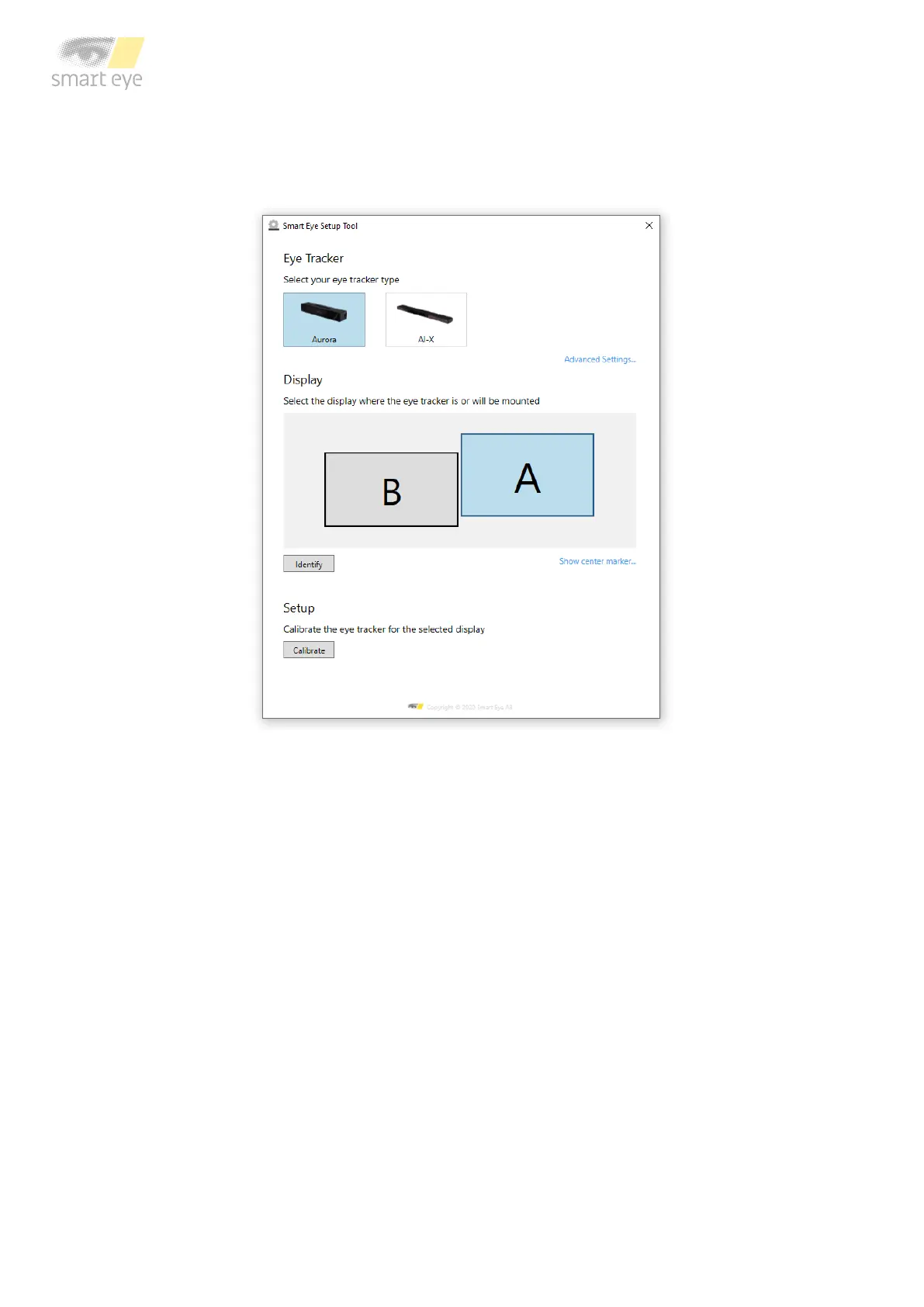
1. Run the Smart Eye Setup Tool. The Smart Eye Setup Tool is found in the Windows Start
Menu.
Smart Eye Setup Tool
2. Select your eye tracker.
3. Specify on which screen your eye tracker is mounted (if you have a single screen setup,
this step is not necessary). Click the Identify button if you are not sure which screen
your eye tracker is mounted to. To be able to identify your screen a unique letter will be
displayed on each screen connected to your computer.
4. Click the Calibrate button. The calibration window will be opened in full screen mode on
the screen that your eye tracker is mounted to.



 To Next Page