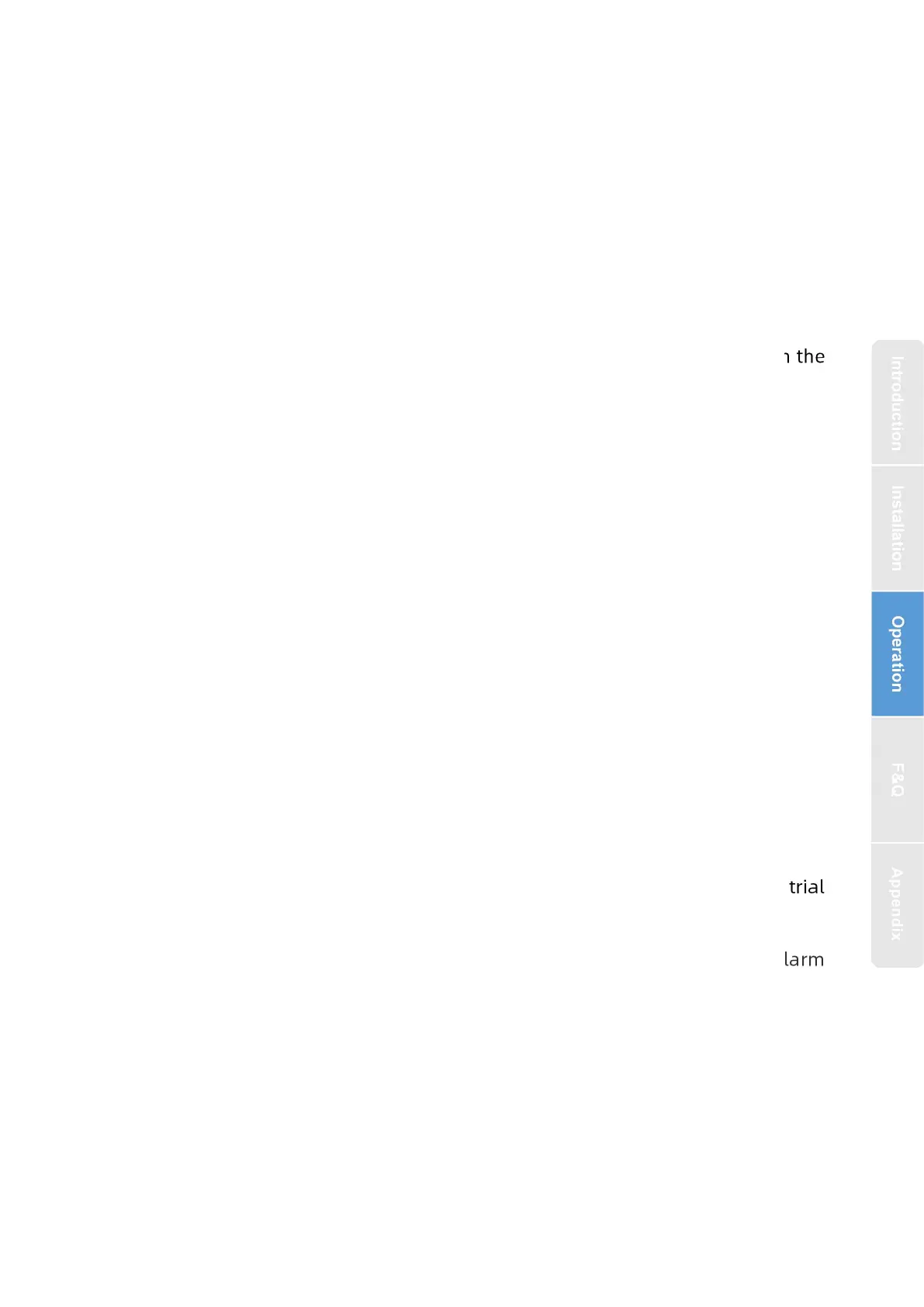
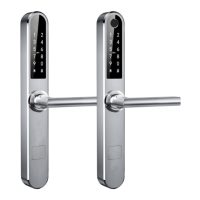
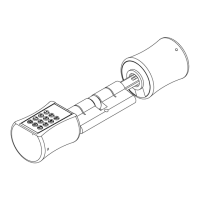
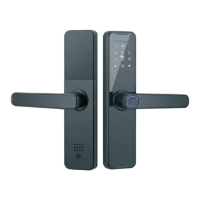
1.Click on the added user, you can edit the corresponding user opening
information of a user
2.The lock and the app are synchronized through cloud information: enter the
number of the door opening method on the lock. For example, Peter sets a
password number 001 on the lock, then enter 1 in the app as shown in Figure 4,
and use this number 001 later Password to open the door, the door opening record
in the app will show that the door opened by Peter,But if the user information is
deleted on the APP, the user can still open the door, and it must be deleted on the
lock to be effective
Note : 1.Need to reset the time after replacing the battery
2.The lock can be opened using default code 123456 followed by # in trial
mode
3. When the voltage is lower than 4.6V, the lock will automatically alarm
every time. After the alarm, the lock can be unlocked for 200 times. After the
number of times, the delay time of each lock opening will be 2 seconds.
4.Keep the lock as close as possible to the wifi router


 To Next Page