8
To watch the video? Go to
https://www.youtube.com/watch?-
time_continue=91&v=LMPn1OjpKB8
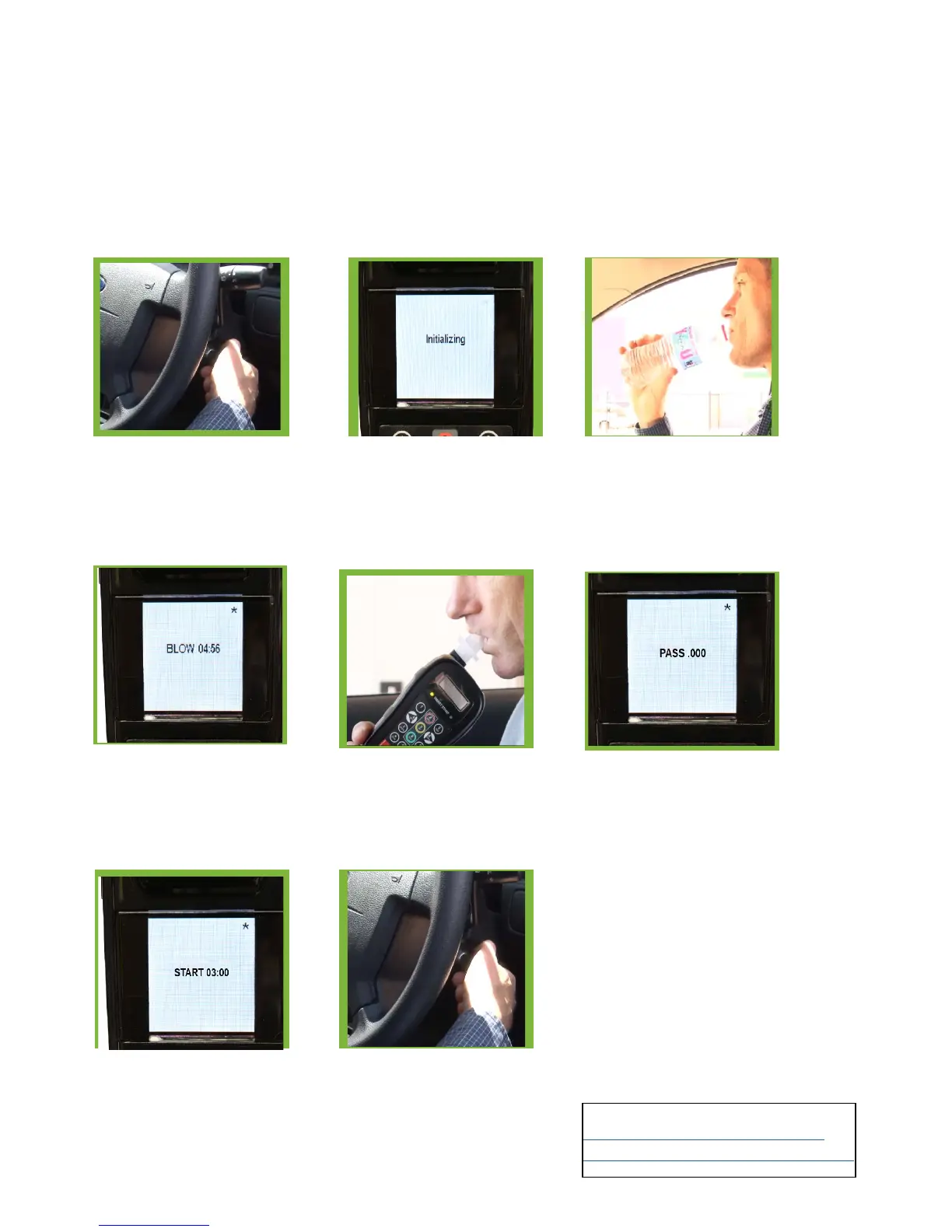
Turn ignition ON, the device
will light up and Smart Start
Interlocks logo will
appear
“INITIALISING” will then be
displayed On the screen. The
unit is now preparing for a
test.
Take this time to drink some
WATER to
eliminate possible breath
contaminants.
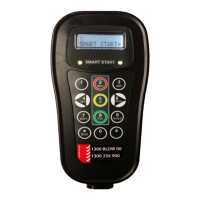
Take a deep breath, then blow into
the device, a long tone will sound
(approx. 5 seconds), this tone will
stop once the required sample has
been made.
The LCD will then display
“BLOW” and the right LED
will be green and flashing.
If a correct test is provid-
ed and there is no alcohol
present in the breath sample,
“PASS” will appear.
“START” and a count down will
appear on the screen.
You will have 3 minutes to start
the engine before the device will
ask you to re-take the test.
You can now start your vehicle.
Please note the unit will ask
for further random tests once
the vehicle has started.
HOW DO I START THE VEHICLE


 To Next Page