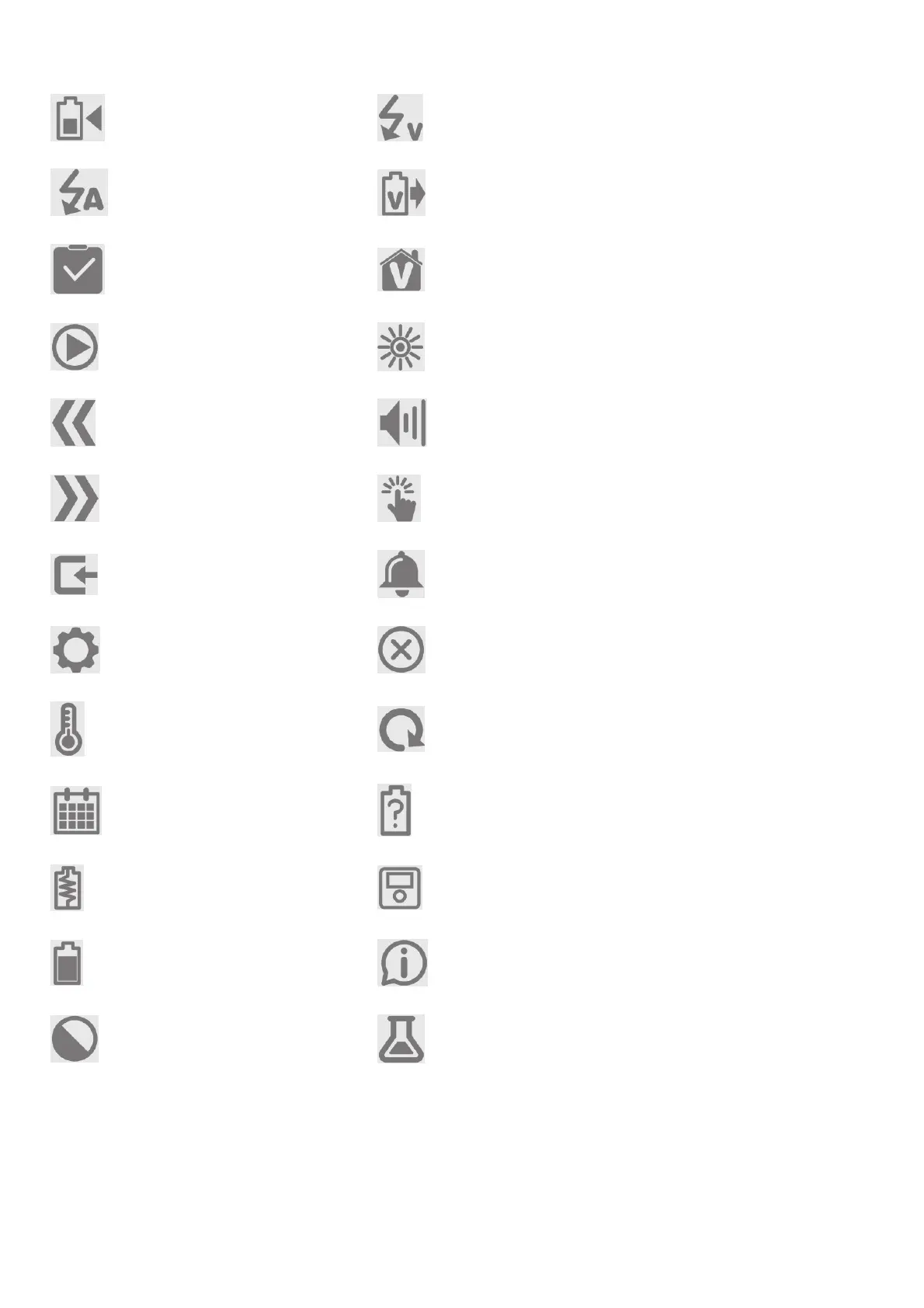
Icon Description Icon Description
Charging Input Voltage
Current Output Voltage
Task Storage Voltage
Start Backlight
Back Volume
Forward Touch Sensitivity
Input Power Completion Tone
Settings (Battery/System) Fault/Error/Fault Log
Temperature Cycles
Date No Battery Detected
Internal Resistance Charger/ Charger History
Battery History Info
Mode Chemistry
Smart Settings
The Smart selection is available if a Smart battery is connected. Smart settings include:



 To Next Page